The iPhone 15 changed a lot of things its owners can feel: a titanium frame that makes it lighter in the hand, softer contoured edges, USB-C at last, and the Dynamic Island arriving across the range. It is natural to ask whether a phone this thoroughly updated still needs something as old-fashioned as a screen protector. The honest answer is that the redesign changed how the phone fits cases and feels — not how its glass scratches. And the kind of ownership the iPhone 15 invites makes protecting that glass more worthwhile, not less.
This guide looks at what titanium does and does not do, why the new edges are a fitting issue rather than a scratch issue, and how the top of this particular screen deserves a thought of its own.
Key Takeaways
- Titanium strengthens and lightens the frame; it does nothing at all for the front glass.
- The iPhone 15’s screen glass still scratches at the same everyday materials — sand and grit — as every model before it.
- Contoured edges change how cases grip and protectors seal, so case-friendly sizing matters more than before.
- USB-C marks the end of cable excuses: this is a phone people plan to keep for years, lengthening the scratch-accumulation window.
- The Dynamic Island and front camera sit near the top edge, where a scratched or ill-fitting layer is most noticeable.
- Verdict: yes for most owners — especially anyone settling in for long-term ownership.
Titanium Helps the Frame, Not the Glass
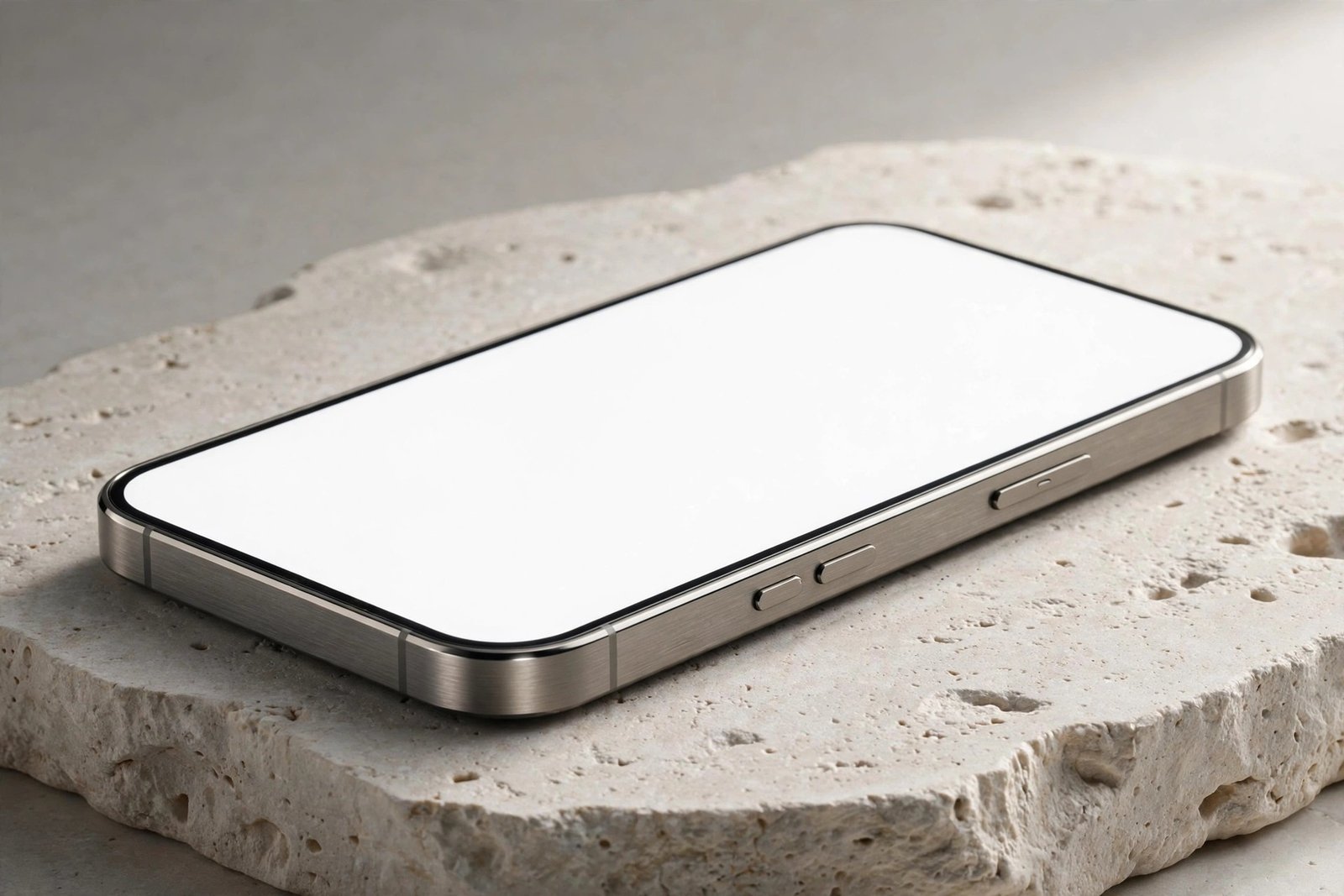
On the Pro models especially, titanium is a genuine upgrade: strong for its weight, resistant to the scuffs that polished steel collected, and part of why the phone feels so much lighter than its size suggests. But notice where it is — around the perimeter. The surface your eyes look at and your thumbs slide across is still a sheet of strengthened glass with the same basic scratch behaviour as its predecessors.
That means the old rules apply in full. Quartz grit — sand, dust, the debris at the bottom of every bag — remains harder than the glass and will engrave fine lines into it over time. A tougher frame may mean the phone survives a fall with its body intact while the unprotected screen still picks up the marks. Protecting the glass is a separate job, and titanium does not do it.
Contoured Edges: A Fit Issue, Not a Scratch Issue
The iPhone 15’s subtly rounded frame edges make it noticeably more comfortable to hold — and they change the geometry that cases and protectors have to work with. Cases grip a fraction differently, and the screen’s border area is a slightly different proposition from the squared-off generations.
The practical consequence is about fit: choose a protector made specifically for the iPhone 15, ideally in a case-friendly size that leaves a small margin, so your case does not push against its edges and lift them. A protector that lifts invites dust underneath, and dust underneath is a scratch risk of its own. None of this makes protection harder in any meaningful way — it just rewards buying the right size first time rather than a near-enough one.
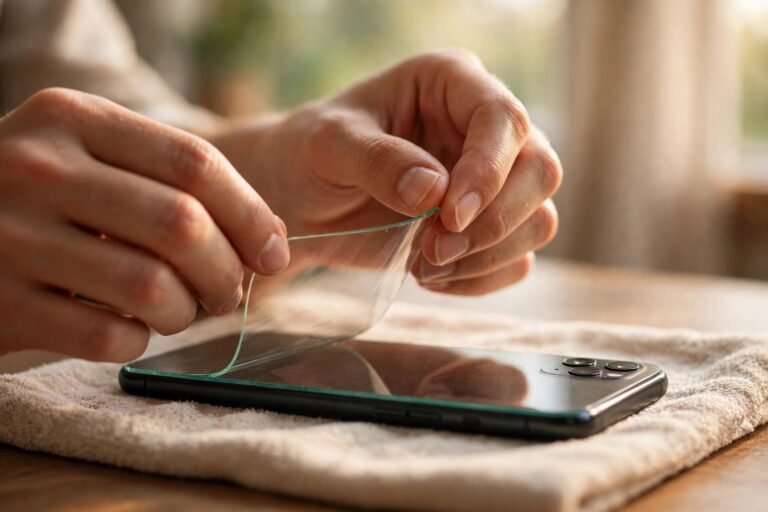
- Fit the protector before snapping on a new case, then check all four corners after the case goes on — if a corner has lifted, you need the case-friendly size.
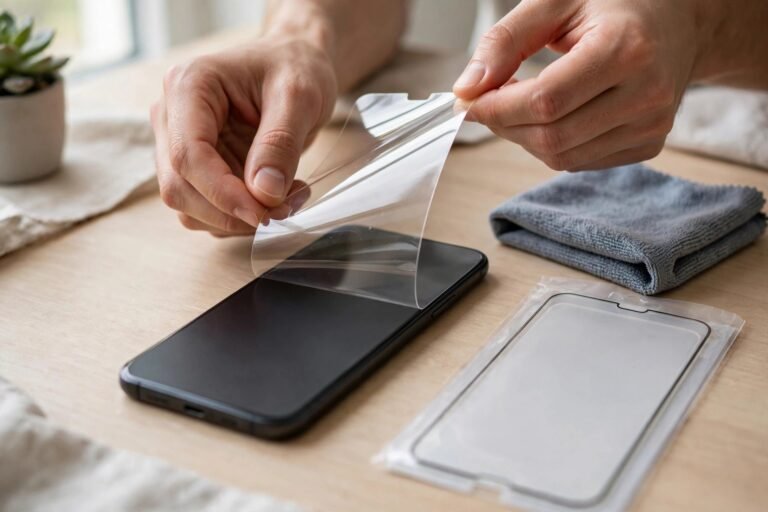
- Keep the faith with alignment kits: the iPhone 15’s near-borderless front makes a tray-guided fit noticeably straighter than freehand.
One Cable, One Phone, Many Years
USB-C sounds like a footnote; in ownership terms it is a headline. The last proprietary-cable argument for switching ecosystems or upgrading hardware is gone, and the iPhone 15 is a phone people are consciously settling down with — the one they expect to still be using when the decade turns. Add a bright, high-quality display worth looking at for all those years, and the horizon over which scratches can accumulate is the longest it has ever been.
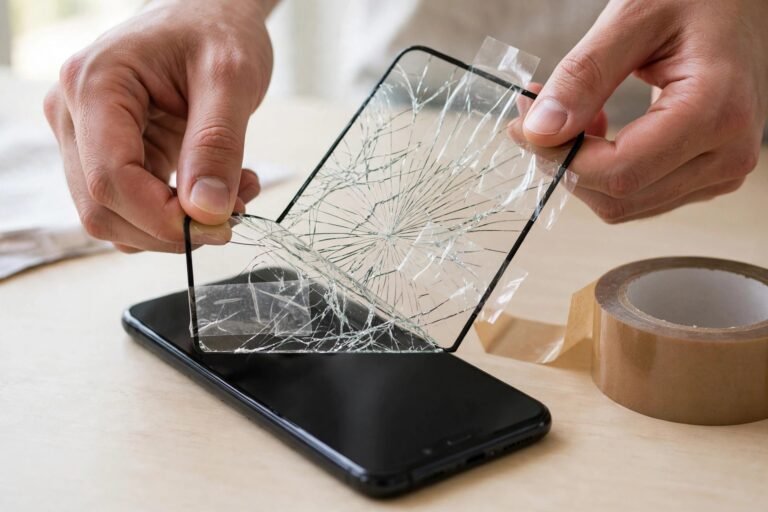
Long horizons are exactly where a sacrificial layer earns its keep. Fine scratches are a cumulative tax on a long ownership; a protector lets you reset the surface to new whenever the current layer looks tired, so the screen you stare at in year four can look like the screen from the unboxing.
The Dynamic Island and the Top of the Screen
With the Dynamic Island now on every iPhone 15, the top strip of the display is busier and more looked-at than on any notched model — timers, calls, music and Face ID all live there, alongside the front camera. Fine scratches are most visible where bright content and dark interface elements meet, and smearing or wear across that area is something you will see many times a day.
A protector keeps that whole zone under fresh glass. Just make sure yours is a proper iPhone 15 fit, with its cut-out aligned to this model’s sensor layout, so nothing intrudes on the camera’s view or the island’s clean lines.
- Front camera looking soft on selfies? Before blaming the phone, clean or replace the protector — wear over the camera area is a common, invisible culprit.
- If you use the phone for video calls at a desk stand, the top-of-screen zone is your face’s window — keeping it scratch-free keeps you looking sharp.
Frequently Asked Questions
Does the iPhone 15’s tougher build make a protector pointless?
No, because the toughness lives in the frame and the drop engineering. The front glass scratches the same way it always has, and that slow scratch accumulation — not the dramatic drop — is what a protector is mainly for. The stronger the rest of the phone, the more sense it makes to protect its one still-vulnerable face.
Will an iPhone 14 protector fit my iPhone 15?
The dimensions are close but not identical, and the frame’s contoured edges change how an older protector sits and seals. Some will appear to fit while leaving edges prone to lifting. Buy one made for the iPhone 15 — the price difference is negligible and the fit difference is real.
Should I add a camera lens protector as well?
It is optional. The rear lenses use hard cover glass and sit within a raised plateau that a case already guards well. Lens protectors can introduce flare in photos, so most owners skip them and rely on the case’s raised rim — the front screen is where a protector genuinely earns its place.
Everything about the iPhone 15 — the titanium, the USB-C, the display — invites you to keep it for years. A screen protector is how the glass survives those years looking new; the redesign changed many things, but not that.