

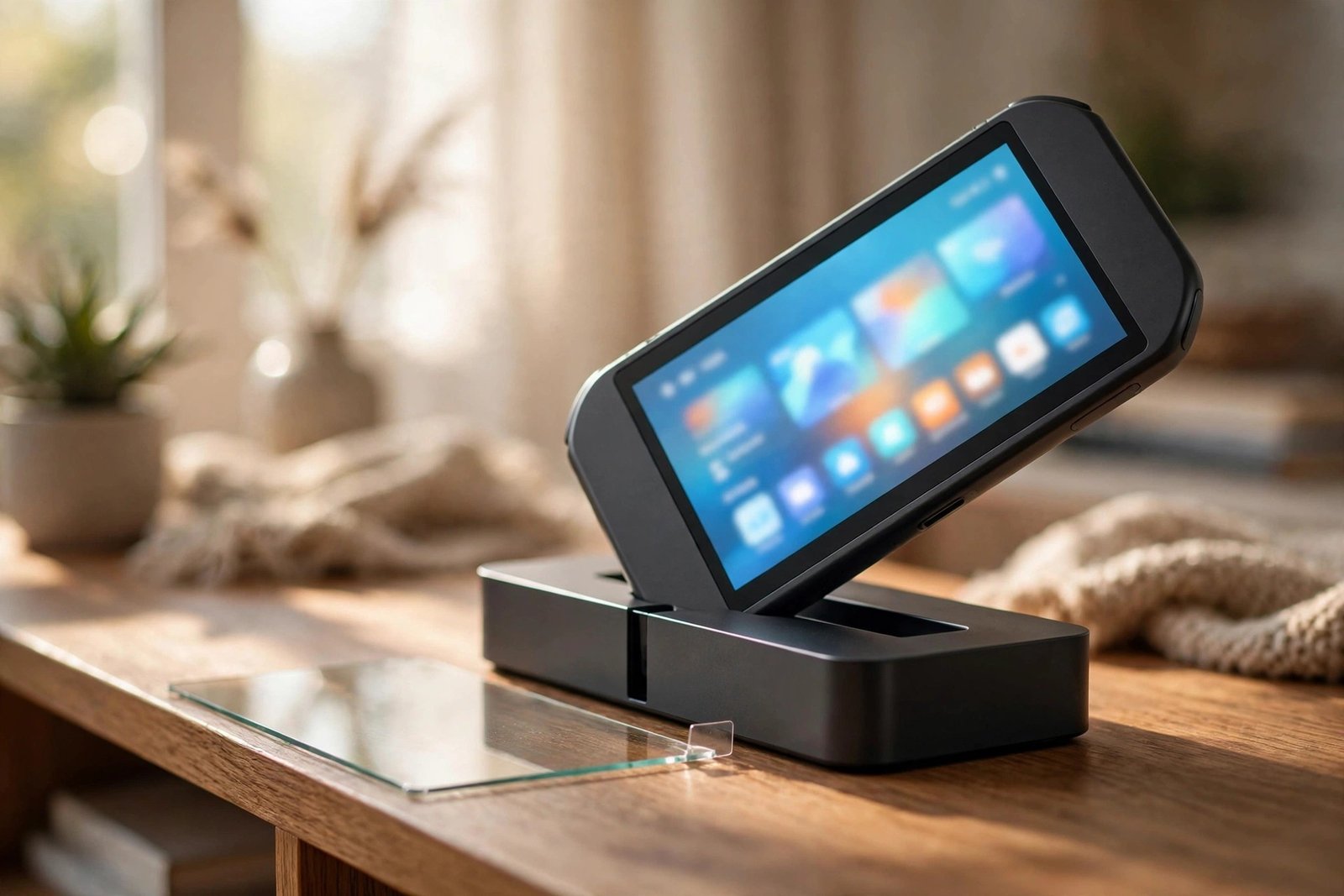
The Nintendo Switch OLED fixed the original model’s biggest weakness — its soft plastic screen — by switching to glass. That leads many owners to assume a screen protector is no longer necessary. But glass isn’t scratch-proof, and the OLED model spends its life sliding in and out of a dock that has a long-standing reputation for marking screens.
Our honest verdict: yes, a screen protector is worth fitting on the Switch OLED — with one important rule about the film that’s already on the screen. This guide explains what’s already applied at the factory, why the dock makes protection worthwhile, and how to fit a protector correctly over the top of it.
Key Takeaways
- The Switch OLED has a glass screen, unlike the scratch-prone plastic screens of the original Switch and Switch Lite.
- It arrives with a factory-applied anti-scattering film on the glass — Nintendo advises not to remove it.
- Glass still scratches: sliding the console in and out of the dock is a well-known cause of marks on Switch screens.
- Fitting a tempered glass protector over the factory film is fine and is what most owners do — the film stays in place underneath.
- Verdict: recommended. A protector is cheap insurance for a screen that docks, travels and gets handled daily.
What’s Already on the Screen: The Factory Film
Before anything else, understand what you’re looking at when you unbox a Switch OLED. Nintendo applies a very thin anti-scattering adhesive film to the glass screen during manufacturing. Its job is safety, not scratch protection: if the glass ever breaks, the film helps hold the fragments together instead of letting them scatter. It’s a functional part of the display assembly.
Nintendo is clear that this film should not be peeled off, and it’s easy to mistake it for the removable shipping film that covers most new devices — it isn’t that. The anti-scattering layer is designed to stay on the console permanently. When people talk about putting a screen protector on a Switch OLED, they mean fitting one on top of this factory film, which is perfectly fine and doesn’t disturb it.
Why the Dock Makes a Protector Worthwhile
The biggest everyday threat to a Switch OLED screen isn’t drops — it’s the dock. The console slides down into a plastic cradle every time you want to play on the TV, and slides back out again afterwards. If the fit is slightly tight, or there’s grit inside the dock, that repeated sliding action can drag across the face of the screen and leave fine scratches over time. This was a notorious problem on the original Switch, and while the OLED’s glass is far harder than the old plastic, it isn’t immune.
Add the rest of a handheld’s life — being carried in bags, set down on tables, passed between players, used by children — and the case for a sacrificial layer is the same as it is for a phone. A tempered glass protector takes the scratches, the dock wear and the minor knocks, and when it’s marked up you replace the protector rather than living with a damaged console screen that can’t sensibly be swapped.
- Fit the protector before you start using the dock regularly. Most Switch screen scratches happen in the first weeks of ownership, as the console goes in and out of the dock daily — protection fitted on day one prevents the marks rather than covering them up.
Fitting a Protector Over the Factory Film
The good news is that fitting a protector to the Switch OLED is just like fitting one to a phone, factory film notwithstanding. The film’s surface is smooth and takes adhesive normally, so a standard tempered glass protector made for the Switch OLED applies in the usual way: clean the screen, align carefully, and let the glass settle. Make sure you buy the OLED-specific size — its 7-inch screen is larger than the original Switch’s 6.2-inch display, and protectors for the older model won’t fit.
One thing to check afterwards is docking. A standard thin glass protector adds very little thickness and the console should still slide into the dock normally. If docking ever feels tight or resistant, don’t force it — remove the console and check nothing is misaligned. And if you later remove a worn protector, peel it away gently: you want the protector’s adhesive to let go without disturbing the factory film underneath, which should remain exactly where Nintendo put it.
- When removing an old protector from a Switch OLED, lift it slowly from one corner and keep the angle low. If you feel unusual resistance, stop and warm the glass gently with your hands — never pry hard, because the layer you’re protecting underneath is the factory film, and that one isn’t replaceable.
Frequently Asked Questions
Should I remove the factory film before fitting a protector?
No. The anti-scattering film is a permanent part of the screen that Nintendo advises leaving in place. Fit your tempered glass or film protector directly over the top of it — that’s the intended arrangement.
Will a protector stop the Switch OLED fitting in its dock?
A normal tempered glass protector shouldn’t — it adds well under a millimetre, and the dock has enough clearance for it. If docking feels unusually tight after fitting, check the protector is properly centred and don’t force the console down.
Does the Switch OLED need a protector more or less than the original Switch?
Less urgently, but still yes. The original Switch and Lite have soft plastic screens that scratch very easily, making a protector essential. The OLED’s glass is much tougher, so it’s about sensible insurance rather than necessity — but the dock wear risk alone justifies the small cost for most owners.
The Switch OLED’s glass screen is a genuine upgrade, and the factory film underneath your protector is meant to stay put. Add a sheet of tempered glass over the top, and the screen that slides into the dock every day stays the one part of the console you never have to worry about.


