Every screen protector owner eventually faces the same miserable moment: you lift the protector to fix a bubble or realign an edge, and the sticky side comes back covered in dust, lint, and fingerprints. The instinct is to bin it and open a fresh one — but in many cases the adhesive side can be cleaned and the protector saved. Done properly, cleaning the sticky side restores a protector to near-new condition. Done badly, it destroys the adhesive completely.
This guide explains how to clean the adhesive side of both tempered glass and film protectors, which methods are safe, which ones quietly ruin the coating, and how to tell when a protector is genuinely beyond saving.
Key Takeaways
- Tape dabbing is the safest first move — it lifts individual dust specks without wetting or weakening the adhesive.
- Rinsing under lukewarm water works for stubborn grime, but only on protectors with silicone or washable adhesive layers.
- Never use alcohol, solvents, or detergents on the sticky side — they break down the adhesive coating.
- Air-dry sticky side up and never wipe it with a cloth, which leaves behind more lint than it removes.
- Tempered glass tolerates washing better than cheap film, whose adhesive can cloud or peel after one wash.
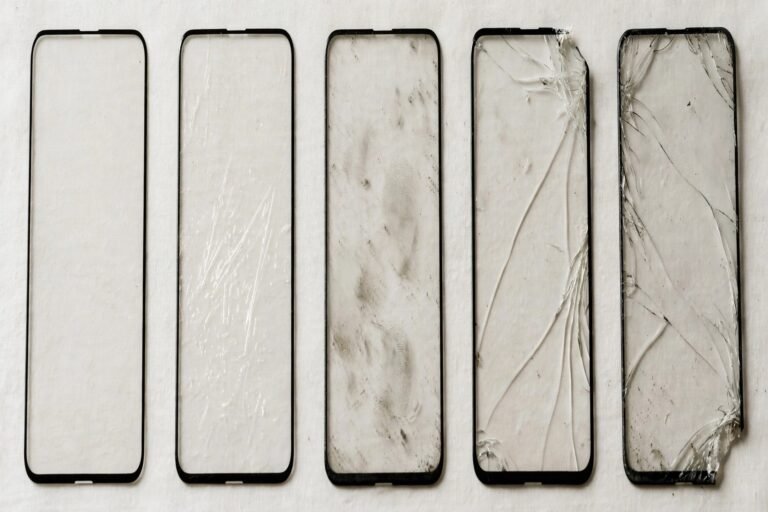
- If the adhesive looks milky, patchy, or no longer tacky after drying, the protector is finished — replace it.
Method 1: The Tape Dab (For Dust and Lint)
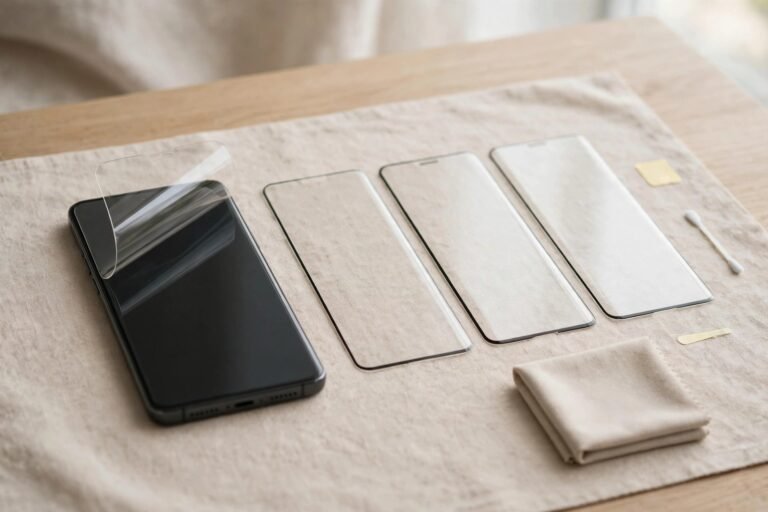
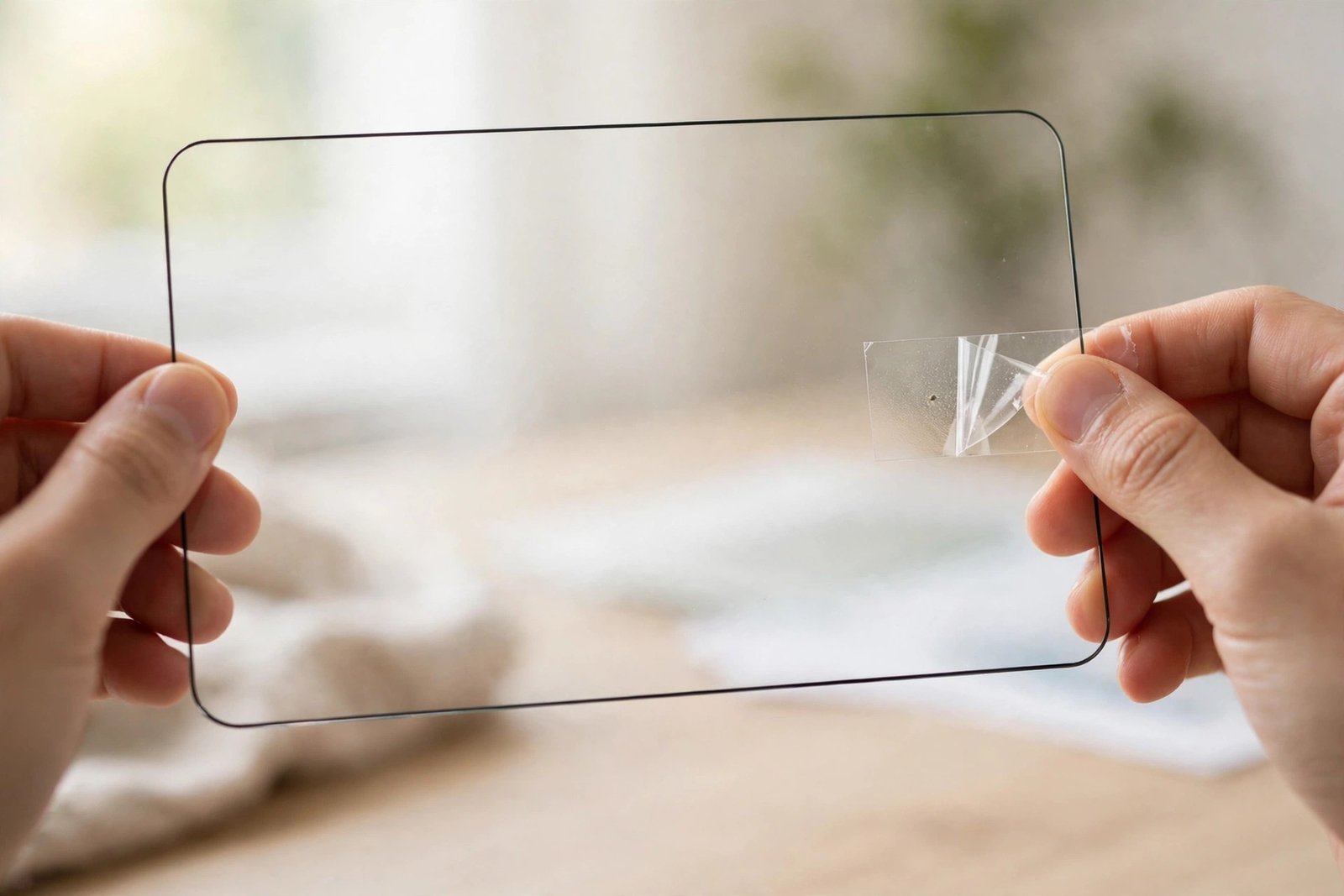
If the sticky side has only picked up a few specks of dust or fibres — the usual result of a quick lift-and-realign — tape is all you need. Lay the protector sticky side up on a clean surface, or hold it carefully by the edges. Take a strip of ordinary clear sticky tape, or a dust-removal sticker if one came in the box, and press it lightly onto the affected area. Peel it away slowly and the dust comes with it.
Work speck by speck rather than dragging the tape across the whole surface. Pressing too hard or sliding the tape can leave tape residue behind or pull at the adhesive layer. This method adds no moisture, introduces nothing the adhesive can react with, and can be repeated as often as needed — which is why it’s always worth trying before you reach for the tap.
Method 2: Rinsing Under Water (For Widespread Grime)
When the whole adhesive surface is grubby — after a drop onto carpet, for instance — a rinse is the better option. Hold the protector by its edges under a gentle stream of cool to lukewarm water and let the water carry the dirt away. If grime is stubborn, a single tiny drop of mild washing-up liquid on your fingertip, spread very gently, can help — but rinse thoroughly afterwards, because any soap residue left behind will interfere with adhesion.
Shake off the excess water and leave the protector to air-dry, sticky side up, in the cleanest spot you have — a steamy bathroom after a shower is ideal because the humidity keeps airborne dust down. Do not dry it with a towel, tissue, or microfiber cloth: all of them shed fibres straight back onto the wet adhesive. Tempered glass typically needs 15–30 minutes to dry fully; rushing the reinstall while droplets remain guarantees bubbles.
- Clean the protector and reinstall it in the same steamy-bathroom session — the low-dust air gives the fresh adhesive the best possible chance of a clean bond.
- Photograph the protector before you wash it if it was aligned well, so you have a reference for how it sat on the screen.
What Cleaning Does to the Adhesive
Most modern protectors use a silicone-based adhesive layer that is mildly self-sticking and reasonably tolerant of water. A gentle rinse or two does it no harm. But the adhesive is not indestructible. Alcohol wipes, hand sanitiser, glass cleaner, and solvent-based sprays dissolve or swell the coating, and a protector cleaned with them often dries cloudy and refuses to stick at the edges. Hot water can have a similar softening effect, so always keep the rinse lukewarm at most.
There is also a limit to how many times any protector can be washed. Each wash and reapplication cycle traps a little more micro-debris and slightly weakens the bond. Tempered glass usually survives two or three careful washes; thin film protectors, which rely on a much finer adhesive layer, may cloud, curl, or lose tack after just one. If you find yourself washing the same protector every week, something else is wrong — usually a case pushing the edges up or a dusty environment — and a fresh protector will serve you better.
Glass vs Film: Different Rules
Tempered glass protectors are the best candidates for cleaning. The rigid sheet is easy to handle by the edges, the adhesive layer is relatively thick, and the glass itself is unaffected by water. PET and TPU film protectors are floppier, harder to hold without touching the adhesive, and their sticky layer is more prone to stretching, fingernail dents, and clouding during washing. With film, stick to the tape-dab method wherever possible and treat a full rinse as a last resort.
- While the protector dries, clean the phone screen itself with the wet wipe and dust sticker — reinstalling a clean protector onto a dusty screen wastes the whole effort.
- Reinstall promptly once dry. A cleaned protector left sitting out collects fresh dust within the hour.
Frequently Asked Questions
Can I use soap to clean the sticky side?
A tiny amount of mild washing-up liquid, well rinsed off, is fine for tempered glass. Avoid scented, antibacterial, or moisturising soaps, which leave films behind, and never use detergent directly on film protectors. Plain water handles most situations on its own.
Why is my protector cloudy after washing?
Cloudiness usually means the adhesive layer has been damaged — by hot water, a solvent cleaner, or simply age — or that soap residue remains. Try one more plain-water rinse and a full air-dry. If the cloudiness persists, the adhesive is compromised and the protector should be replaced.
How do I know the adhesive is dead?
Press the dried protector gently onto the clean screen. A healthy adhesive grabs smoothly and spreads from the centre. A dead one feels barely tacky, lifts at the corners immediately, or shows patchy white areas where it refuses to bond. At that point, no cleaning method will revive it.
A dirty sticky side is an inconvenience, not a death sentence — dab it, rinse it gently, dry it in clean air, and most protectors will serve you well again.