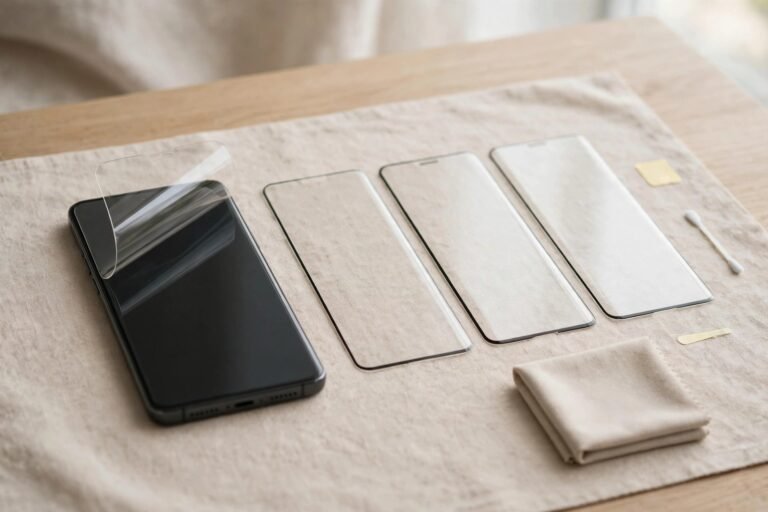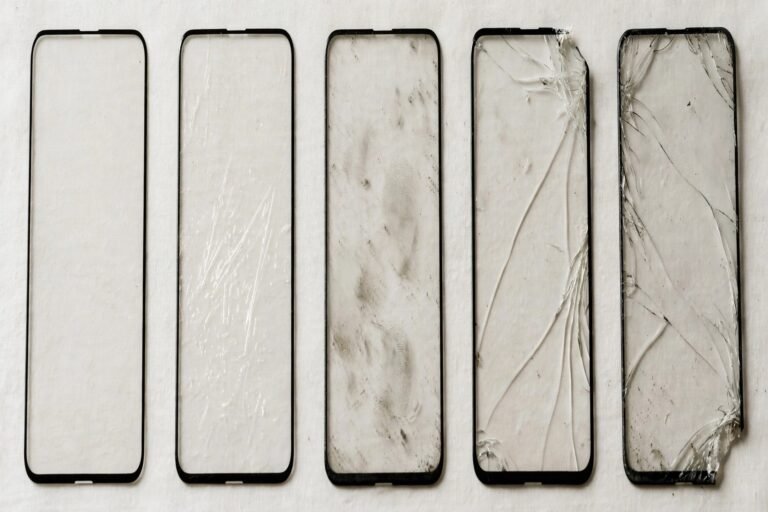
With phones, fitting a screen protector feels almost automatic. With a MacBook, the question is far less settled — and for good reason. A laptop screen is not carried loose in a pocket, rarely gets touched, and spends its closed hours protected by its own lid. Many MacBook owners use their machines for years without a protector and never regret it. Yet MacBook protectors sell in large numbers, so someone is buying them.
This guide weighs the genuine risks to a laptop display against the less obvious risks a protector itself can introduce, including to the anti-reflective coating and the tight lid clearance. For most owners the answer is no, but there are exceptions worth knowing.
Key Takeaways
- Most MacBook owners do not need a screen protector — the lid already protects the display in transit, and the screen is not a touchscreen in normal use.
- MacBook screens carry an anti-reflective coating that adhesives and repeated removal can potentially damage on some machines.
- Lid clearance is extremely tight, so added thickness between keyboard and screen carries its own risk of pressure marks.
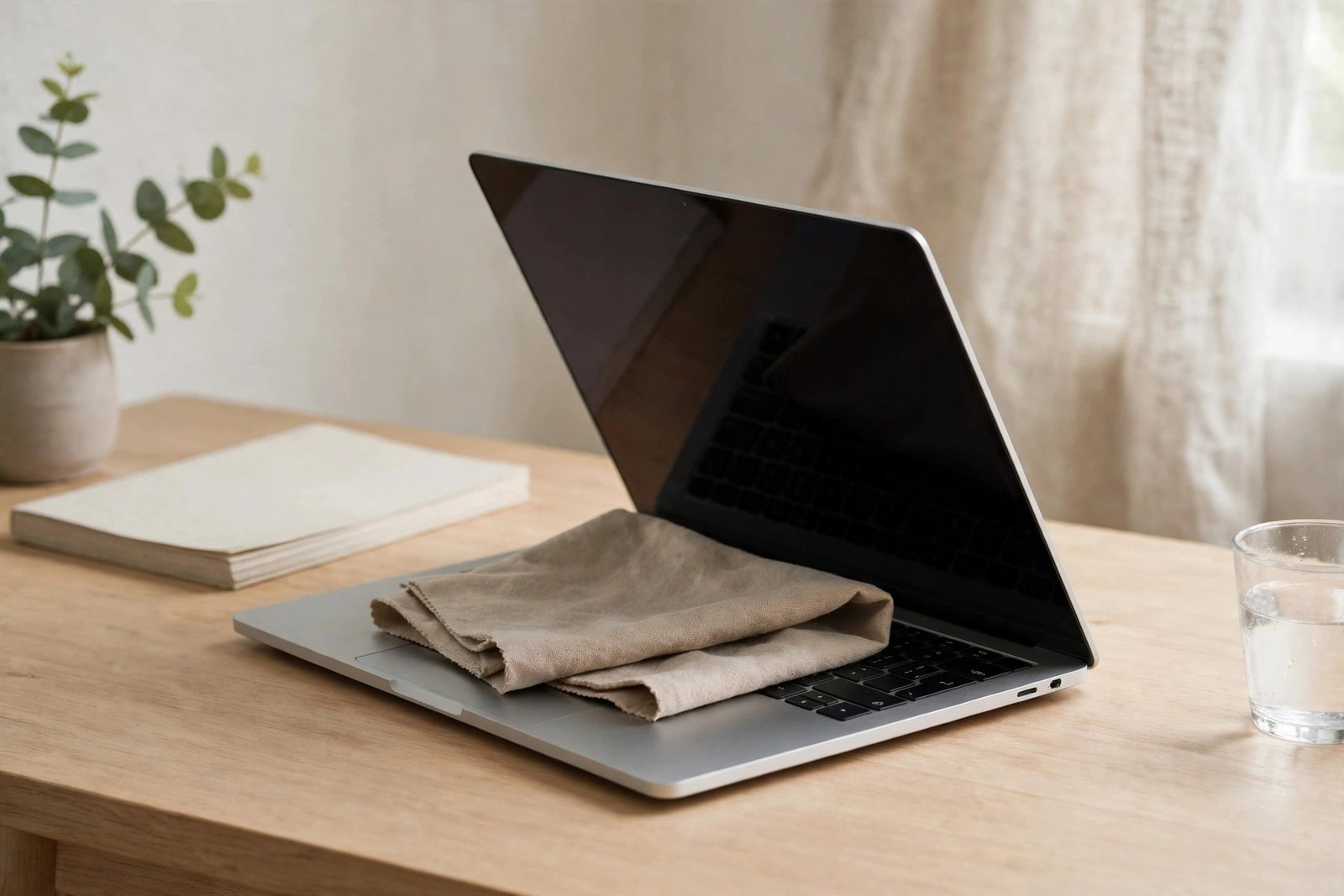
- A microfibre cloth between keyboard and screen is a simpler, safer habit for preventing keyboard imprints.
- Dusty, shared or workshop environments are the exception where a protector can make practical sense.
- Check Apple’s current guidance for your model before fitting anything, as recommendations and tolerances can change between generations.
Why Laptop Screens Face Different Risks
The threats that justify a phone protector mostly do not apply to a MacBook. Phones are dropped onto pavements, slid across gritty tables and carried against keys and coins. A MacBook screen, by contrast, faces the keyboard when closed and the room when open. It is not pressed against abrasive objects in a bag, and since MacBooks do not have touchscreens, nobody is dragging fingers, nails or styluses across the glass all day.
The realistic risks to a MacBook display are narrower: liquid splashes, the occasional prod from an onlooker’s finger when pointing something out, airborne dust in rough environments, and marks transferred from the keyboard and palm rests when the lid is closed under pressure in an overstuffed bag. A protector addresses only some of these, and imperfectly — the keyboard-mark problem is better solved by how you pack the laptop than by adding a layer to the glass.
The Coating and Clearance Problems
MacBook displays have an anti-reflective coating that reduces glare and is more delicate than the glass beneath it. Owners of various generations have reported coating wear appearing as marks in the shape of the keyboard — a reminder that the coating can be affected by contact and pressure. An adhesive protector applied to that coating, and especially peeled off later, is a concern: removal can pull at the coating, and residue or uneven wear can leave the screen looking worse than a protector was ever meant to prevent. Because designs and coatings evolve between generations, it is sensible to check Apple’s current support guidance for your specific model before fitting anything adhesive.
Clearance is the second issue. Modern MacBooks are engineered with very little space between the keyboard deck and the display when the lid is shut. Apple has cautioned in the past about leaving items such as camera covers on the display area because added thickness can damage the screen when the laptop is closed. A protector is thinner than a camera cover, but the principle is worth respecting: anything that changes that carefully set gap deserves thought, particularly if the laptop is carried in a tightly packed bag where the lid is pressed down. If you do fit one, it should be as thin as possible and made for your exact model.
- Before fitting any protector, search Apple’s support pages for your exact MacBook model and read the current advice on screen accessories and cleaning — guidance changes between generations.
- If keyboard marks worry you, a thin microfibre cloth laid over the keyboard before closing the lid solves it without anything sticking to the screen.
Better Habits Than a Protector
For most owners, a few habits deliver everything a protector promises with none of the drawbacks. Carry the MacBook in a padded sleeve or a bag with a dedicated laptop compartment, and avoid stacking heavy items on top of it. The microfibre cloth trick — laying a clean, thin cloth over the keyboard before closing the lid — prevents the keys and palm rests from pressing oils and fine grit against the display, which is the main source of permanent-looking screen marks in transit. Clean the screen only with a soft, slightly damp microfibre cloth, following Apple’s cleaning guidance, rather than household sprays.
Glare is the other reason people reach for a protector, usually a matte one. A matte film does reduce reflections, which can help in bright offices or by windows, but it also slightly softens the image and reduces the crispness Retina displays are valued for. Before committing, try adjusting seating position, screen angle and brightness, or using the display’s settings — many people find the problem manageable without a permanent film. If you still prefer matte, treat it as a display-quality trade-off you are choosing, rather than a protective necessity.
When a Protector Does Make Sense
There are environments where the balance tips. MacBooks used in workshops, warehouses, building sites, commercial kitchens or dusty field conditions face airborne grit that settles on the screen and gets wiped across it, and in those settings a sacrificial layer is genuinely useful. Shared machines — in schools, studios, rental pools or busy households with young children — also take pointing fingers, sticky hands and knocks that a private laptop never sees, and a protector can absorb that wear cheaply. The same applies to laptops frequently used outdoors.
If your situation fits one of those exceptions, choose carefully: pick a protector made for your exact model, prefer the thinnest option that does the job, follow the maker’s removal instructions to the letter, and stop if you ever see the coating lifting during removal. And if your MacBook lives the more typical life — desk, sofa, café, padded bag — the answer remains that a protector is unnecessary. Spend the effort on a good sleeve and the cloth habit instead.
- Dusty workplace? A protector plus a strict habit of blowing or brushing dust off before wiping prevents the grinding scratches that do the real damage.
- Never close the lid on a protector, cloth and other accessories all at once — stacked thickness is exactly what the tight clearance cannot accommodate.
Frequently Asked Questions
Will a screen protector damage my MacBook’s coating?
It can be a risk on some models. The anti-reflective coating is delicate, and adhesive application and removal may disturb it, particularly if a protector is peeled off roughly or after a long time. This is one of the main reasons to check Apple’s current guidance for your model before fitting one.
How do I stop keyboard marks appearing on the screen?
Lay a thin, clean microfibre cloth over the keyboard before closing the lid, keep the laptop in a padded sleeve, and avoid packing heavy items on top of it. Also wipe the keyboard and palm rests regularly, since it is mostly transferred oils and fine grit that leave the imprints.
Is a matte protector a good idea for glare?
It does reduce reflections, and in dusty or shared environments it doubles as protection. The trade-off is a slightly softer, less crisp image. For a typical home or office setup, adjusting your position, screen angle and brightness usually handles glare without that compromise.
A MacBook’s best screen protector is its own lid, a padded sleeve and a cloth. Save adhesive films for the workplaces that truly need them.