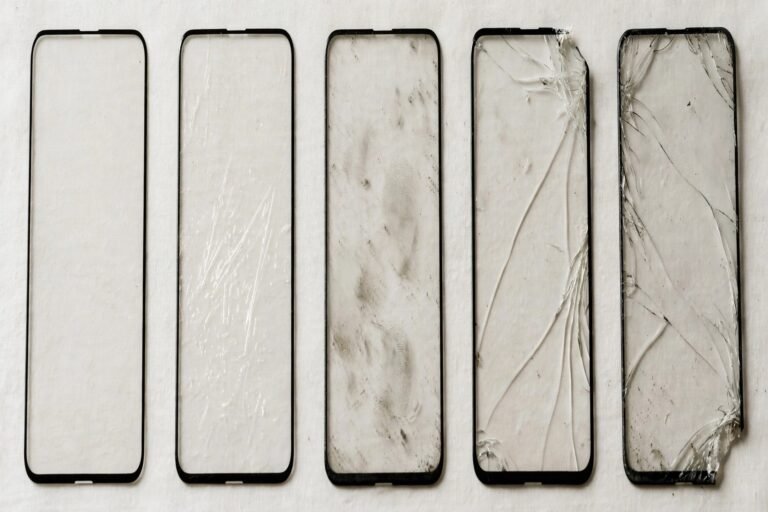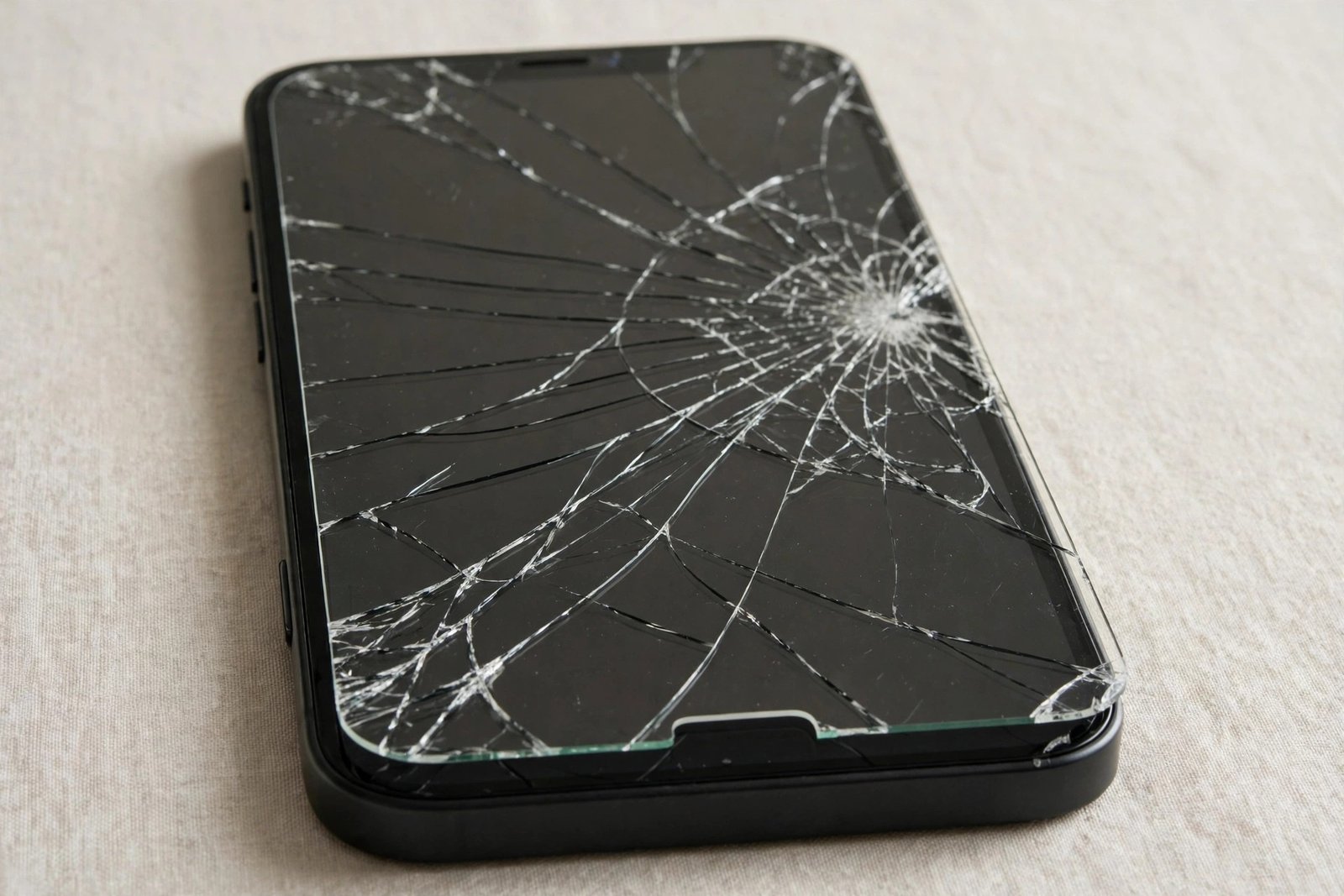
It usually happens quietly: a drop onto the bathroom tiles, a knock against a door handle, and later you notice a fine line — or a whole spiderweb — across your screen protector. The phone underneath still works, the touchscreen still responds, and life is busy, so the cracked protector stays on for days, weeks, sometimes months. Is that actually a problem, or just an eyesore you can safely ignore?
A cracked protector is not an emergency in most cases, but it is no longer doing its job properly, and in some situations it can make things worse for the screen it was meant to protect — and occasionally for your fingers. This guide explains what changes once a protector cracks, which cracks can wait a few days, and which ones mean you should replace it straight away.
Key Takeaways
- A cracked protector has largely spent its protective strength — the crack is where it absorbed energy, and it cannot absorb the same blow twice.
- Sharp edges and loose splinters are the most immediate risk, especially on tempered glass protectors.
- Grit can work into the cracks and grind against the real screen as the broken pieces shift.
- A single hairline crack away from the edges can usually wait a few days while a replacement arrives.
- Spiderweb cracks, lifted edges or missing chunks mean replace it now — protection and safety are both compromised.
- Peel a badly cracked glass protector off carefully, ideally over a bin, and consider tape to hold shards together while you remove it.
What a Crack Actually Does to the Protector
A tempered glass protector is designed to be sacrificial. When your phone lands badly, the protector takes the force and fractures, spreading and absorbing energy that might otherwise have reached the screen. That is the system working as intended — but it is a one-time trick. Once cracked, the sheet is structurally weakened along every fracture line. A second knock in the same area meets far less resistance, and the protector can no longer be relied on to shield the display beneath it.
Cracks also undermine the protector in quieter ways. The adhesive bond breaks along the fractures, so sections begin to lift microscopically. Dust, pocket grit and moisture creep underneath, touch response can feel inconsistent over badly shattered areas, and cracks catch the light, making the screen harder to read outdoors. A film protector behaves differently — it does not shatter, but a tear or deep gouge still leaves that spot unprotected and the torn flap tends to catch and peel further.
The Risks of Leaving It On
The most obvious risk is to your fingers. Cracked tempered glass can have surprisingly sharp edges, and as the fractures spread, tiny splinters and flakes can work loose. Most are more irritating than dangerous, but a shard in a fingertip — or worse, near a child’s hands — is a genuine reason not to let a heavily cracked protector linger. If you can feel a rough edge when you swipe, that protector has overstayed its welcome.
The less obvious risk is to the screen itself. Once grit gets beneath a cracked protector, every time the phone is pressed in a pocket or bag, those hard particles can be dragged and ground across the real display by the shifting fragments above them. In other words, the broken protector stops being a shield and starts acting like sandpaper held against the glass. Cracked corners that lift also expose the screen’s edge directly, and lifting tends to spread as dust kills more of the adhesive each day.
- Run a fingertip very lightly over the crack: if it feels rough, raised or catches your skin, replace the protector the same day rather than waiting.
- A strip of clear tape over a shattered area holds loose fragments together and makes removal much cleaner and safer.
When a Few Days’ Grace Is Fine
Not every crack demands an immediate swap. A single, fine hairline crack running across a corner, with no sharp feel, no lifting and no missing pieces, leaves most of the protector intact and bonded. In that state it will still prevent scratches across the rest of the screen, and using the phone for a few days while a replacement is delivered is a reasonable, low-risk choice. The same goes for a small edge chip that has not started to spread.
Treat that grace period as short, though. Cracks in glass rarely stay static — temperature changes, pocket pressure and everyday flexing encourage them to creep. Check the crack daily: if it grows, branches, starts to feel rough, or the corner begins to lift, the grace period is over. It also helps to order the replacement the day you notice the crack rather than when it becomes urgent; protectors often come in multi-packs, so many people already have a spare in a drawer without realising it.
When to Replace It Straight Away
Some damage should not wait. A spiderweb pattern means the sheet has fractured throughout and can shed fragments at any time. Any crack with raised, sharp or crumbling edges is a hazard to fingers and to the screen below. Missing chunks leave the display completely exposed in exactly the area that has already proved vulnerable to knocks. Protectors that have lifted away from the screen, gathered visible grit underneath, or shattered over the front camera or sensors are also finished — they now interfere with photos and calls while offering little protection.
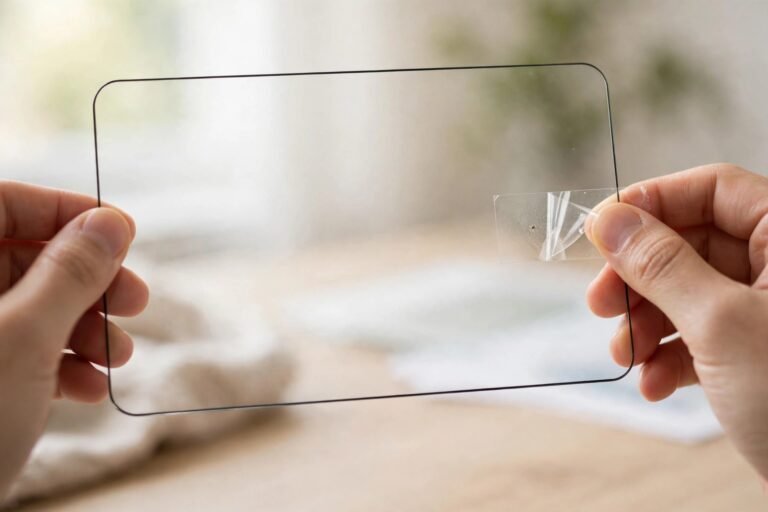
When you remove a badly cracked glass protector, do it slowly over a bin, starting from the least damaged corner, and keep the sheet as flat as possible so it comes away in one piece. Covering it with packing tape first is a trick repair shops use: the tape holds the fragments together as you peel. Afterwards, check the real screen carefully under a bright light, clean it thoroughly, and fit the new protector before grit gets a chance to settle. If the screen itself turns out to be cracked too, that is a separate repair decision — but at least you will have found out promptly rather than months later.
- Photograph the crack before removing the protector — if the real screen is damaged too, the photo helps show whether the phone’s glass matches the protector’s fracture pattern.
- Keep a spare protector at home; replacing one takes five minutes when the spare is already in the drawer.
Frequently Asked Questions
Can a cracked protector scratch my actual screen?
Yes, indirectly. The glass fragments themselves are usually no harder than the screen below, but grit and dust that work into the cracks can be dragged across the display as the broken pieces shift, and that grit can leave fine scratches. The longer a badly cracked protector stays on, the greater the chance.
Will a cracked protector affect touch or Face ID?
It can. Heavily shattered areas may feel uneven or register touches inconsistently, and cracks or lifting over the camera and sensor cut-outs can interfere with face unlock and front-camera clarity. Those are signs the protector needs replacing rather than tolerating.
Is it safe to use my phone with a cracked protector for a week?
If it is a single hairline crack with smooth edges, no lifting and no loose fragments, a few days to a week is generally low risk. If the damage is a spiderweb, feels sharp, or is shedding pieces, do not wait — replace it as soon as you can and handle the phone carefully in the meantime.
A cracked protector is a protector that has done its job once and is asking to retire. Replace it promptly, and it will be the only casualty your screen ever has.