

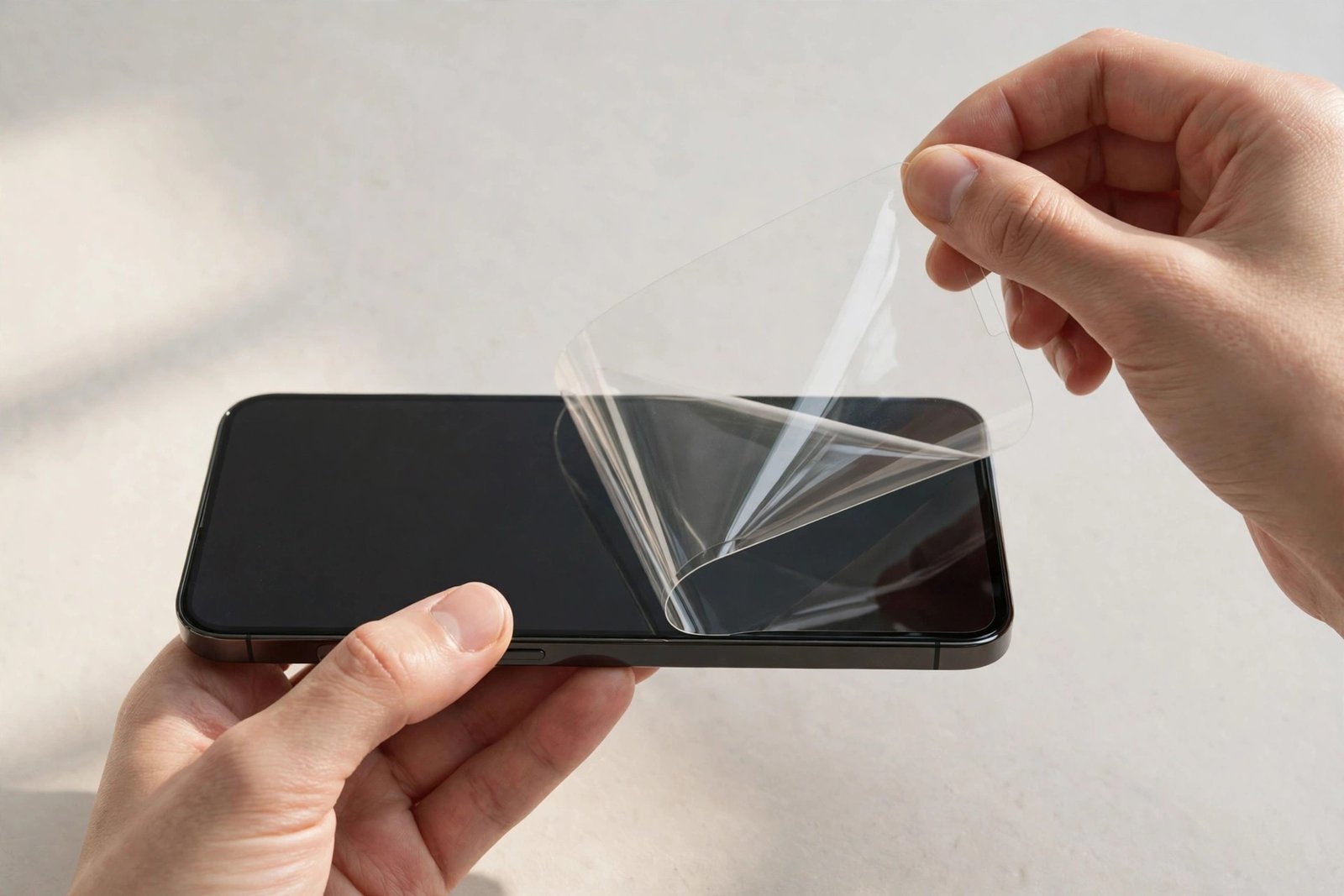
No tools laid out. No warm-up routine. Sometimes you just want the protector off — it went on recently, it is undamaged, and you have two minutes. For a protector in that condition, removal really is this simple: one corner, one steady motion, done. This guide keeps the method as short as the job itself.
One condition before you start: this minimal method is only for protectors that are not old, not cracked, and not stubborn. It also includes the one judgement call that matters — what to do the moment the protector resists, because that is where the two-minute method ends and a slower one begins.
Key Takeaways
- You need nothing but a fingernail — case off, corner up, peel, finished.
- Pick one corner and commit to it; the corner that has caught on pockets before usually lifts easiest.
- Peel in one steady motion, folding the protector back on itself at a low angle — no tugging, no jerking.
- A recent, healthy protector releases evenly the whole way; that smoothness is your confirmation the method suits it.
- If it resists, stop. Resistance means this protector needs warmth and patience, not a firmer pull.
The Two-Minute Method
Minute one. Take the case off. Choose a corner — the bottom corners usually have the most wear, and wear is your friend here. Slide your fingernail flat into the seam between protector and screen, keeping the nail shallow and horizontal, and lift until the corner rises a millimetre or two. If the first corner refuses, try the others before concluding anything; on most protectors, one corner is always the weak point.
Minute two. Grip the lifted corner between thumb and fingertip and peel — slowly, steadily, in one continuous motion. Fold the protector back over itself so it stays close to the screen as it comes away, working diagonally across the display. A protector that went on this year, with no cracks and no cooked-on adhesive, will release with the same even resistance from corner to corner, and then it is off. A quick wipe with whatever clean cloth is to hand clears the faint tackiness, and you are done.
- Do it straight after using the phone — a screen warmed by twenty minutes in your hand releases noticeably easier than a cold one, no hairdryer required.
- Keep the motion boringly steady. Speed is not what makes this quick; not having to stop is.
If It Resists: Stop and Warm It
Here is the whole safety rule of the minimal method: the instant the protector pushes back, the two-minute job is over. Resistance — a corner that will not start, a section that holds while the rest peels, a crackling sound — means the adhesive has bonded harder than this method assumes, through age, heat, or simply a stronger product. Pulling harder at that point does not save time; it bends the pane until it cracks, and a cracked protector turns a two-minute task into twenty minutes of careful shard management.
So stop, and switch methods rather than effort levels. Warm the screen — a hairdryer on its lowest setting, kept moving for twenty to thirty seconds, or ten minutes of intensive phone use — then try the corner again. Nine times out of ten, warmed adhesive surrenders to exactly the same simple peel. If a section still clings after warming, work a plastic card flat into the lifted edge and advance it slowly; if the protector is old or already damaged, it has left the territory of this guide entirely and deserves the full tape-and-floss treatment instead.
- Think of resistance as the protector telling you its age. Fitted recently and healthy, it peels like a sticker; fitted long ago, it behaves like part of the phone — because by now, it nearly is.
- Never swap your fingernail for a knife, pin, or metal tool when a corner will not start. Warmth always works eventually; a slipped blade marks the screen permanently.
Frequently Asked Questions
How do I know if my protector qualifies for the quick method?
Ask three questions: was it fitted within roughly the last year, is it free of cracks and chips, and does a corner lift willingly when you test it? Three yeses mean go ahead. Any no — especially a corner that will not budge — means start with warmth and the slower method from the beginning.
Can I put the protector back on after taking it off this way?
You can try within a minute or two if the adhesive stayed clean, but expect a weaker bond and trapped dust — the underside collects specks from the air the whole time it is exposed. For anything longer than a quick peek underneath, plan on a fresh protector; the removed one rarely goes back perfectly.
The corner lifted, then the protector snapped back down. Why?
You lifted too little and let go too soon — a shallow lift gives the adhesive enough contact to grab again instantly. Lift a fraction more, get a fingertip properly under the corner, and begin the peel without pausing. If it snaps back twice, that is resistance: stop and warm the screen first.
Case off, corner up, one steady peel. That is the entire method — and the discipline is in knowing that the moment it stops working, you stop too, and reach for warmth instead of force.


