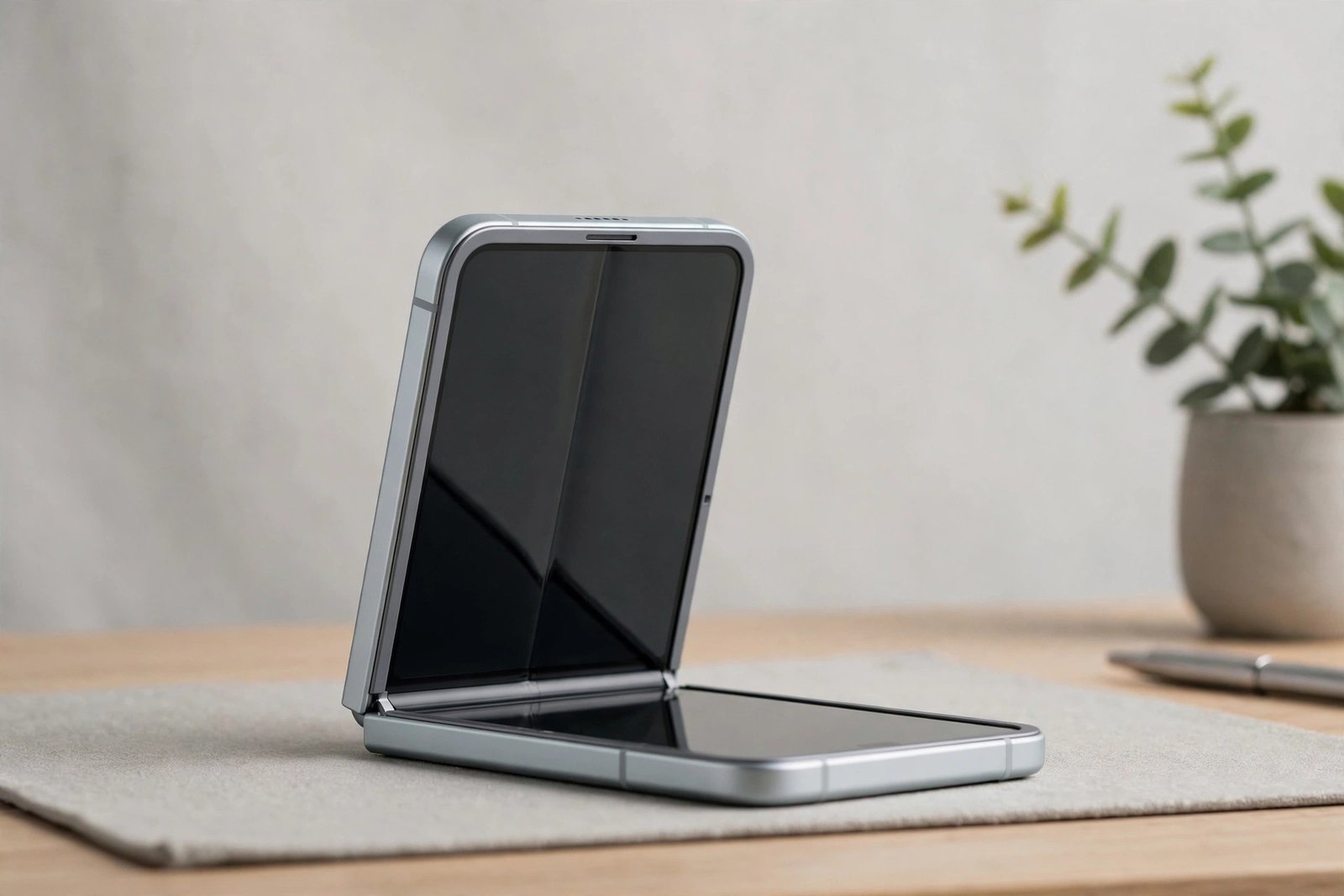
Open a Galaxy Z Flip 4 and run a fingertip over the big inner display, and you may notice something feels slightly different from an ordinary glass screen — softer, with a faint edge you can sometimes catch near the bezel. That is because there is a screen protector on the Z Flip 4: one fitted by Samsung at the factory, before the phone ever reached you.
Unlike the protectors you buy in a shop, this one is not optional, and it does not follow the usual rules. This guide explains what the film on the Flip 4’s inner screen actually is, why Samsung warns owners never to peel it off, how to look after it, and what the situation is on the small outer cover screen instead.
Key Takeaways
- Yes — the Galaxy Z Flip 4’s inner foldable display comes with a factory-fitted protective film already applied.
- That film is a functional layer of the display itself, bonded over the ultra-thin glass — not shipping plastic.
- Samsung explicitly warns owners not to remove it: peeling it off can damage the foldable display and may affect warranty cover.
- You should not add another protector on top of the inner screen — rigid glass cannot fold, and extra layers are against Samsung’s guidance.
- When the factory film eventually wears or lifts at the crease, replacement is a job for Samsung or an authorised service centre.
- The small outer cover screen is ordinary glass, and a standard protector can be fitted there as normal.
Yes — and It Is Part of the Display
The Z Flip 4’s main display is a foldable panel built around ultra-thin glass, and bonded over the top of it is a protective film that Samsung applies during manufacturing. Your fingers never touch the glass itself — they touch that film. It is there because a foldable screen is far more delicate than a rigid one: it can be dented by pressure and marked by particles that a normal phone screen would survive without a trace.
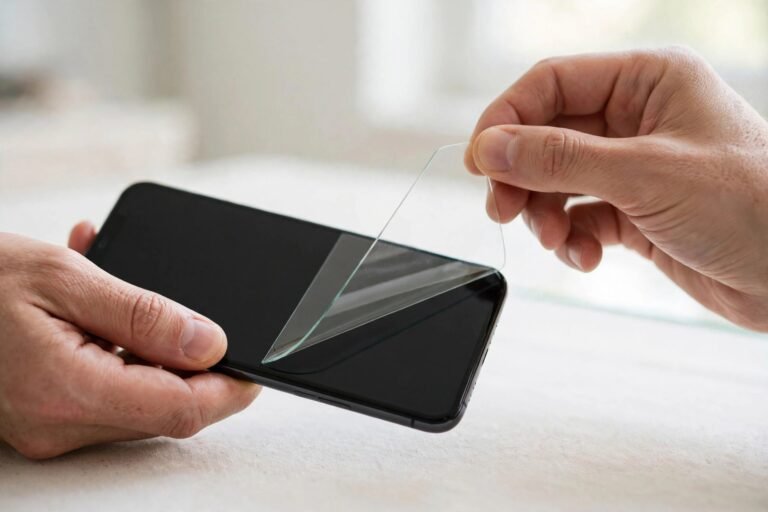
This is why the film has no pull tab and no obvious invitation to remove it. It is easy to confuse with the packaging films you peel off a new phone — and there are some of those on the outside of the Flip 4 as well — but the inner film belongs to the display assembly. If you bought the phone new and have never had the screen serviced, the film you can feel on the inner display is the original factory one.
Why You Must Not Peel It Off
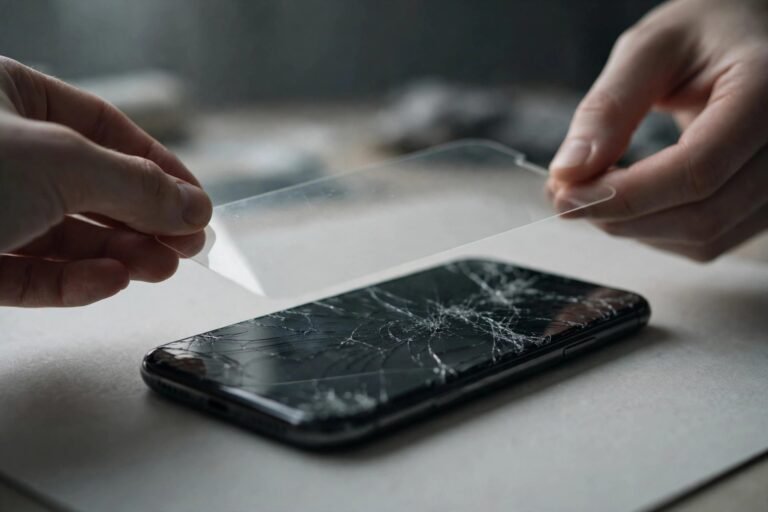
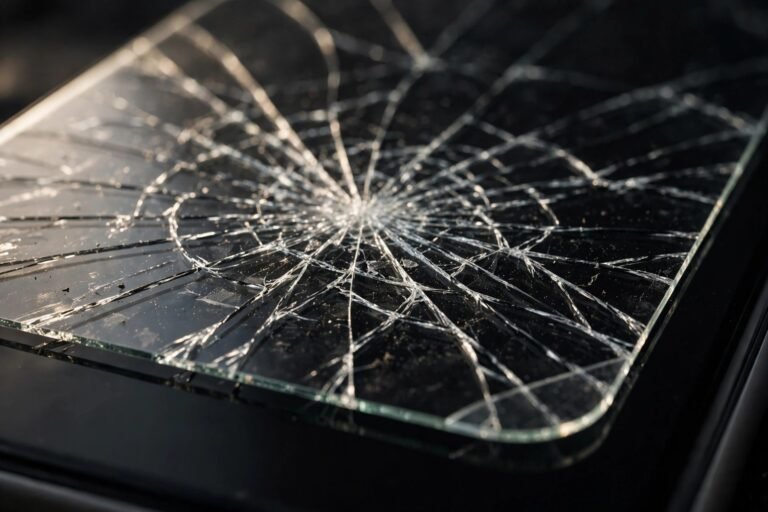
Samsung’s guidance for its foldable phones is unusually direct: do not remove the protective film, and do not attempt to fit additional films or protectors over the inner screen. The bond between the film and the ultra-thin glass beneath is strong, and peeling at it can lift, crease or crack the display layer itself. Samsung has also warned that damage caused by removing the film may not be covered under warranty — the exact position varies by region, but the risk is real either way.
Adding protection on top backfires too. Tempered glass is rigid and physically cannot fold along the crease, so it cannot be used on the inner screen at all. Even a second soft film adds thickness exactly where the display bends, stresses the fold every time you close the phone, and its adhesive can damage the factory film when it is eventually taken off. On a foldable, the factory film is the protection — full stop.
- Grit is the inner screen’s worst enemy, because anything trapped on the display gets pressed into the soft surface when you fold the phone shut. Give the screen a quick wipe with a clean, dry microfibre cloth before closing it — after the beach, a dusty pocket or a bag, especially — and never press on it with a fingernail.
Looking After the Built-In Film
Treat the film as a wear item with a gentle cleaning routine. A soft, dry or very slightly damp microfibre cloth is all it needs; avoid household cleaners and alcohol sprays, which are harsher than the film’s surface appreciates. Keep sharp objects, excessive fingernail pressure and pens away from the inner display, and never press on the crease with anything hard.
Over many months of folding, the film can start to lift or bubble along the crease — this is the most common way it ages, and it is your signal to book a replacement rather than reach for a corner of it. A lifted edge lets grit creep underneath, where it does damage quickly. Samsung service centres can fit a genuine replacement film in clean conditions; cost and any free-replacement offers vary by region and over time, so check the current policy where you live.
What About the Small Cover Screen?
The 1.9-inch cover screen on the outside of the Flip 4 is a completely different situation. It is a conventional rigid glass panel — Gorilla Glass Victus+ — with no factory-film arrangement, and it faces the same everyday hazards as any phone screen because it is the surface that lands on tables and slides into pockets.
A standard small protector made for the Flip 4’s cover screen fits it in the normal way and is a sensible addition. Fit it as you would on any phone: clean the glass, align it with the panel, and let the adhesive settle. That, plus a case, covers the outside of the phone — leaving you to simply be careful with the inner display rather than trying to add armour Samsung says it should not have.
- If the film on the inner screen starts lifting at the crease, book the replacement promptly and fold the phone as little as you reasonably can in the meantime. Do not smooth a lifted edge down over trapped dust — that presses grit into the display surface.
Frequently Asked Questions
Is the film on my Z Flip 4 just packaging I should peel off?
No. The film on the inner display is a functional layer of the foldable screen, fitted at the factory and designed to stay on for the life of the film itself. The packaging films on a new Flip 4 are on the outside of the phone; the inner film is not one of them, and it has no pull tab for a reason.
Can I put a tempered glass protector on the inner screen?
No. Rigid glass cannot bend along the crease, so it cannot be fitted to the foldable display — and Samsung advises against adding any extra film layer on top of the factory one, because of the added thickness at the fold and the risk its adhesive poses to the film underneath. The factory film is the inner screen’s protection.
What should I do if the film bubbles or peels at the crease?
Leave it exactly where it is and arrange a replacement through Samsung or an authorised service centre. Peeling a worn film off yourself risks damaging the ultra-thin glass beneath it — a far more expensive problem than a film replacement. Until the appointment, keep the screen clean and avoid pressing on the lifted area.
So yes, your Z Flip 4 arrived with a screen protector — one that is part of the display itself. Look after it gently, never peel it, protect the little outer screen as you would any phone, and let Samsung handle the film when its time comes.