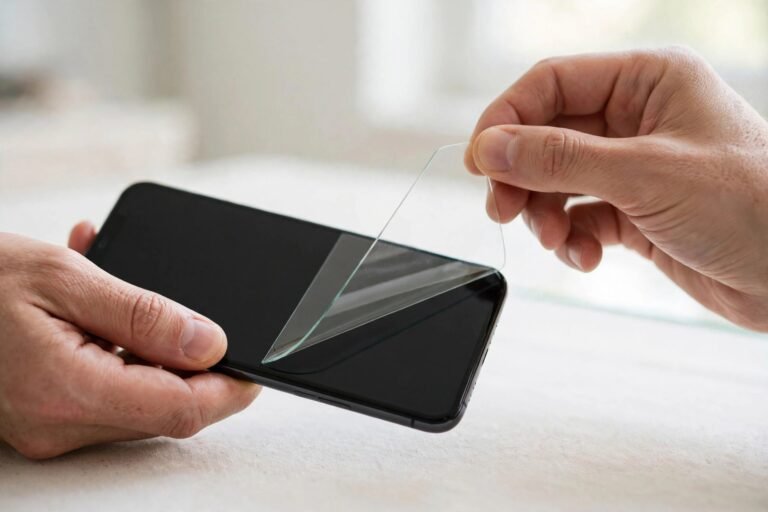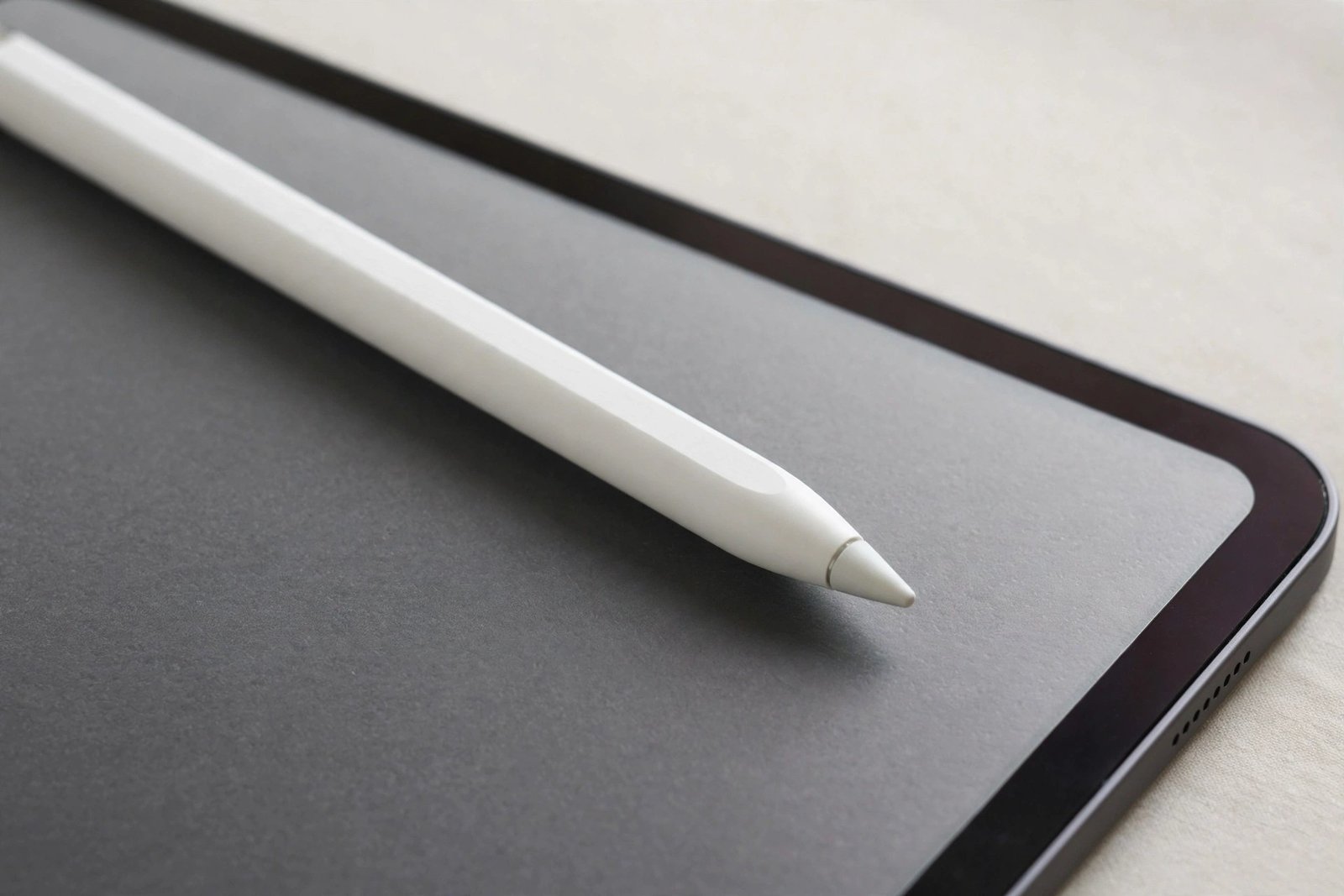
If you draw, take notes, or mark up documents on an iPad, the Apple Pencil is probably central to how you work — and the question of whether it still works properly with a screen protector fitted is an important one. The short answer is yes: the Apple Pencil works with screen protectors, including tempered glass, PET film, and paper-feel protectors. But “works” covers a spectrum, and the type of protector you choose changes how the Pencil feels, sounds, and performs.
The Apple Pencil does not rely on direct electrical contact with the glass the way old resistive styli did. It communicates with the iPad’s digitiser through the display stack, and a thin protector on top does not block that signal. What a protector can change is friction, tip wear, pressure feel, and palm-rejection reliability. This guide explains what to expect from each protector type and how to get the best Pencil experience with one fitted.
Key Takeaways
- Yes — the Apple Pencil works with all common screen protector types, including tempered glass, PET film, and paper-feel protectors.
- Tempered glass changes the Pencil feel the least; most users notice no difference in accuracy or pressure sensitivity.
- Paper-feel (matte) protectors add welcome friction for drawing but wear Apple Pencil tips faster — keep spare tips handy.
- Very thick protectors or stacked layers can slightly reduce pressure sensitivity at the lightest touch levels.
- If palm rejection or double-tap gestures act up after fitting a protector, re-pairing the Pencil and restarting the iPad usually resolves it.
Why the Pencil Works Through a Protector
The Apple Pencil is an active stylus: it emits a signal that the iPad’s touch digitiser reads through the display assembly. A screen protector — typically 0.3 mm of tempered glass or 0.1 mm of film — sits on top of that assembly but does not meaningfully attenuate the signal.
Problems arise only at the margins. Stacking two protectors, using an unusually thick privacy glass, or fitting a protector with an air gap can introduce just enough distance to dull the lightest pressure levels. For the vast majority of single, properly fitted protectors, the Pencil behaves exactly as it does on bare glass.
How Each Protector Type Affects the Pencil
Tempered glass: the closest to bare screen
Clear tempered glass is the safest choice for Pencil users who want zero change. The hard, smooth surface preserves the glide of the Pencil tip, pressure curves feel identical, and palm rejection is unaffected. The only trade-off is that glass is as slippery as the bare display — if you find the Pencil skates too freely on glass, that is a feel preference, not a malfunction, and it is what paper-feel protectors are made to address.
Paper-feel (matte) protectors: better control, faster tip wear
Paper-feel protectors are the favourite of digital artists for good reason: their micro-textured surface adds friction that mimics paper, giving noticeably more control over fine lines and shading. The Pencil’s accuracy and pressure sensitivity remain intact. The cost is tip wear — the same texture that grips the tip gradually abrades it, so tips need replacing more often (weeks to months of heavy use, versus many months on glass). The protector’s own texture also smooths out over time in the areas you draw on most, so heavy artists replace these protectors more frequently too.
PET and TPU films: fine, with minor feel changes
Standard clear films are thin enough to be essentially invisible to the digitiser. The Pencil works normally, though the slightly softer surface can feel a touch draggier than glass. These films scratch more easily under a hard Pencil tip pressed firmly, so users who bear down while drawing may prefer glass for durability.
- Before blaming the protector for Pencil issues, check the tip: a worn, loose, or slightly bent tip causes skipping and pressure glitches that feel exactly like a protector problem. Unscrew it, inspect it, and try a fresh tip first.
Apple Pencil Tips and Protector Wear
The Pencil’s replaceable tip is the wear item in this relationship, and protector choice determines how fast it wears. On smooth glass or clear film, a tip lasts many months of regular use. On paper-feel protectors, expect visibly faster wear — the tip gradually shortens and can develop a flat spot or rough edge. A rough tip then accelerates wear on the protector in turn, and can even scratch through a film protector if ignored.
Check your tip monthly if you draw daily: run a fingernail gently around it feeling for roughness, and look at it under good light for flattening. Replacement tips are inexpensive, and swapping a worn tip takes seconds. Some artists keep a small rotation of tips and replace them on a schedule rather than waiting for symptoms.
Troubleshooting Pencil Issues After Fitting a Protector
If the Pencil worked perfectly before the protector and misbehaves after, work through the likely causes in order. First, confirm the protector is fully adhered with no bubbles or lifted areas under the drawing zone — an air gap is the most common genuine protector-related cause of erratic input. Press out bubbles toward the nearest edge or refit the protector.
Second, rule out the usual suspects that coincide with protector fitting: re-seat the Pencil tip, unpair and re-pair the Pencil in Bluetooth settings, and restart the iPad. Third, check for interference — some third-party cases with magnetic flaps can disturb the digitiser regardless of any protector.
Genuine incompatibility is rare, but it exists: a small number of very thick or metallic-coated protectors (some privacy screens) can degrade Pencil performance. If everything else checks out and problems persist only with that protector fitted, trying a standard thin glass or film protector is the practical test.
- Artists who switch between glass and paper-feel protectors often keep two Pencil tips in rotation: a standard tip for glass, and a slightly firmer third-party “paper-feel” tip that resists abrasion better on textured surfaces.
Choosing a Protector as a Pencil User
Match the protector to your primary use. Note-takers who value an unchanged feel should choose thin tempered glass — it protects without altering the Pencil experience. Digital artists usually prefer a paper-feel protector for the added control, accepting faster tip and protector wear as the price.
Whichever you choose, fit it carefully: a single bubble-free layer, fully adhered edge to edge, gives the digitiser the cleanest signal path and the Pencil the most consistent surface.
Frequently Asked Questions
Does a screen protector affect Apple Pencil pressure sensitivity?
With a normal thin protector, no — pressure levels, tilt response, and palm rejection all work as designed. Only unusually thick protectors or stacked layers can slightly compress the lightest end of the pressure range, and even then most users would not notice outside of delicate shading work.
Will the Apple Pencil scratch my screen protector?
The Pencil tip is deliberately softer than display glass, so it will not scratch tempered glass. It can leave marks on soft PET films if you press very hard, and it gradually polishes the texture off paper-feel protectors in heavily used areas. A worn, rough tip is the real scratch risk — replace tips before they degrade.
Can I use the Apple Pencil while the protector’s adhesive is still settling?
Yes, though it is wise to give a fresh protector an hour or two for its adhesive to fully bond, especially around the edges. Drawing immediately is harmless to the iPad; the only risk is shifting a not-yet-settled film protector with heavy palm pressure.
The Apple Pencil works fully with screen protectors — choose glass for an unchanged feel, paper-feel for drawing control (and budget for spare tips), and always check the tip before blaming the protector for any glitch. A well-fitted single layer will never stand between you and your work.