If you use an Apple Pencil with a paper-feel screen protector, you have probably heard the warning: the rough texture that makes drawing feel so good is chewing through your pencil tips. Forums are full of photos of nibs worn to nubs after weeks of heavy use, and some owners go further — worrying that the abrasive surface is damaging the Pencil itself. It is time to separate the genuine cost from the myth.
The short version: paper-feel protectors absolutely wear down Apple Pencil nibs faster — that part is real and unavoidable. But the Pencil itself? That is a different story. This guide explains what actually wears, what does not, and how to keep both your protector and your Pencil happy.
Key Takeaways
- Paper-feel textures do wear Apple Pencil nibs faster — heavy users may go through a nib in weeks rather than months.
- Nibs are designed to be replaceable and cheap; accelerated wear is a running cost, not damage.
- The Pencil body, sensors, and tip mechanism are not damaged by paper-feel surfaces — the wear is confined to the disposable nib.
- A worn-down nib left unchanged can scratch the protector (and in extreme cases the display) — inspect tips regularly.
- Finer-textured paper-feel protectors wear nibs more slowly than coarse ones, with only a small loss of paper feel.
What Actually Wears: The Nib, Not the Pencil
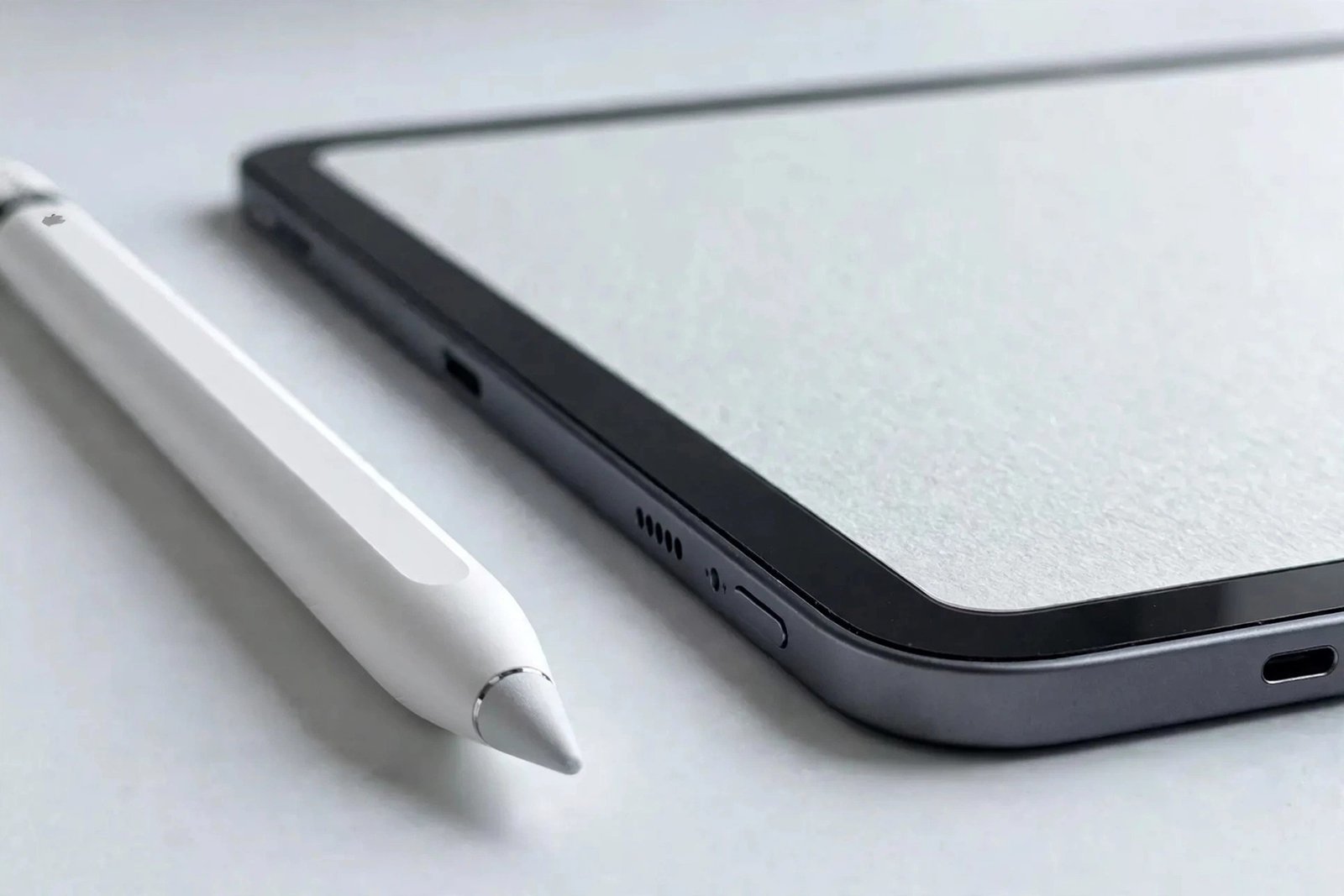
An Apple Pencil tip is a small, user-replaceable nib — a consumable part Apple sells in packs precisely because it is expected to wear. On smooth glass, a nib can last months of regular use. On a paper-feel protector, the micro-texture that creates the satisfying friction is mildly abrasive by design: every stroke files a tiny amount of material off the nib. Heavy artists report nibs developing a flat spot or wearing to a stub in a matter of weeks.
This is not a defect in either product — it is the physics of the pairing working as intended. The texture grips the nib; the nib sacrifices itself to the grip. Think of it like brake pads and discs: the pad is meant to wear so the disc does not. The nib is the brake pad. Budgeting for replacement nibs is simply part of the true cost of the paper-feel setup, alongside the protector itself.
- Keep a pack of spare nibs in your pencil case or bag from day one. The moment a nib develops a flat spot or feels scratchy, swap it — a fresh nib costs pennies and protects both your protector and your display.
Why the Pencil Itself Is Safe
The fear that a rough protector damages the Pencil’s internals does not survive contact with how the Pencil works. The pressure and tilt sensors live inside the Pencil body, behind the nib — they never touch the screen. The nib is a passive plastic tip that transmits force; there is no electronic component at the contact point to be abraded. No amount of surface texture can reach the sensors, because the nib is always in the way, doing exactly the job it was designed for.
Apple’s own guidance treats nibs as consumables and has never warned against textured protectors — and the company sells the Pencil alongside a thriving third-party paper-feel market it is well aware of. If paper-feel surfaces damaged Pencils, we would know by now from warranty data. The wear stops at the nib, every time.
The Real Risk: A Neglected Worn Nib
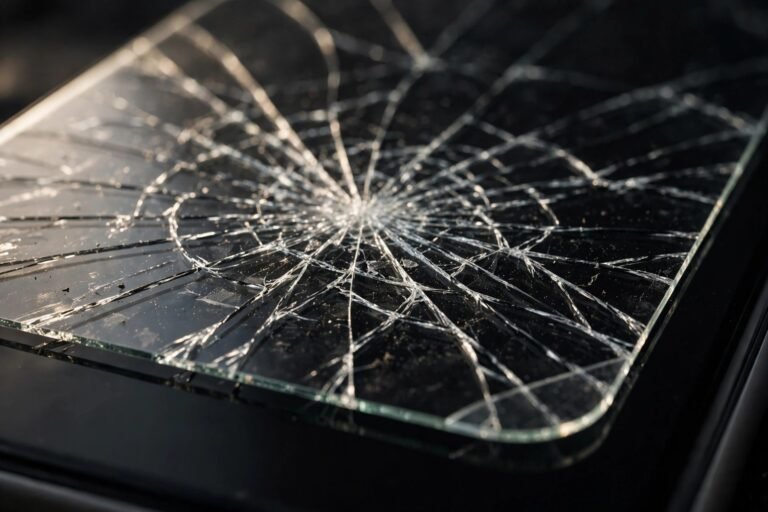
There is one genuine hazard in this story, and it is not the protector — it is laziness about nib replacement. A nib worn past its usable life develops sharp edges and exposes harder underlying material. Dragged across a protector, a wrecked nib can gouge the paper-feel surface; in extreme neglect, where the nib has worn to a sharp stub, it can theoretically scratch through a thin film protector to the display beneath.
The fix is trivially simple: inspect the nib weekly if you draw daily. Unscrew it, look at the tip under a light, and roll it between your fingers — a good nib is smoothly rounded; a dead one is flat, jagged, or visibly shortened. Replacement takes ten seconds. This single habit eliminates the only real risk in the entire paper-feel equation.
- Run your fingertip lightly over the nib before each drawing session. If it feels rough or catches your skin, replace it before it touches the screen. Your finger is a surprisingly accurate wear gauge.
Slowing the Wear: Texture Choices
Not all paper-feel protectors are equally hungry. Coarse, heavy-grain textures feel the most like real paper but are the hardest on nibs; fine-grain options preserve most of the tactile benefit while wearing nibs noticeably more slowly. If you are burning through nibs at an alarming rate, switching to a finer texture is the single most effective change — you keep perhaps 80% of the paper feel for a fraction of the nib cost.
Pressure matters too. Artists who bear down hard wear nibs dramatically faster on any surface, textured or not. A lighter touch — letting the Pencil’s pressure sensitivity do the work rather than your wrist — extends nib life on paper-feel almost as much as on glass. It is also better for your hand over long sessions, so it is worth cultivating regardless.
The Cost Equation, Honestly
Let us put numbers to the fear. A pack of replacement nibs costs a few pounds and contains four tips. Even a heavy user going through one nib a month spends less per year on nibs than on a single decent paper-feel protector. Against the productivity gain — the control, the comfort, the hours of better drawing — the nib budget is one of the smallest line items in a digital artist’s setup.
The anxiety comes from the visibility of the wear, not its cost: watching a nib visibly shrink feels like damage in a way that silently depleting ink never did. Reframe it and the worry evaporates. You are not breaking your Pencil; you are using a consumable exactly as designed, on a surface that makes the whole tool worth owning.
Frequently Asked Questions
Can a paper-feel protector void my Apple Pencil warranty?
No. Normal nib wear is explicitly a consumable issue and is not covered by warranty in the first place — there is nothing to void. Apple has never excluded textured protectors from Pencil use, and the sensors cannot be affected by surface texture.
How often should I replace the nib on paper-feel?
Inspect weekly; replace at the first sign of flattening or roughness. Heavy daily artists typically replace monthly; moderate note-takers every two to three months. When in doubt, replace — nibs are cheap, displays are not.
Are metal or third-party nibs better for paper-feel?
Be cautious: harder third-party nibs (including metal-tipped ones) wear more slowly themselves but transfer the abrasion to the protector and potentially the display. Apple’s own nibs are the safe choice — they are designed to be the sacrificial part. Let the cheap part wear, not the expensive one.
Your Apple Pencil is safe; your nibs are dinner. Feed the texture fresh tips, keep spares on hand, and draw without guilt — that is exactly what the nibs are for.