A tempered glass screen protector takes the hits so your phone screen doesn’t — but that front surface still collects everything daily life throws at it: fingerprints, pocket lint, ear oils, coffee splashes, and the occasional mystery smear. Cleaning it properly sounds trivial, yet a surprising number of people slowly ruin a perfectly good protector with the wrong product or the wrong technique. Done badly, cleaning can strip the slick coating that makes glass feel like glass, cloud the surface, or push moisture into places it should never go.
The good news is that glass is the easiest protector material to care for. It needs no special products, takes seconds to clean, and tolerates far more than film protectors do. This guide covers the right routine, the cleaners that quietly damage the coating, and how to deal with stubborn grime at the edges.
Key Takeaways
- A dry microfibre cloth is all you need for everyday cleaning — fingerprints and dust come off with no liquid at all.
- For greasy smudges, use a cloth barely dampened with plain water. Never spray liquid directly onto the phone.
- Avoid household glass cleaners, bleach, ammonia, and abrasive pastes — they strip the oleophobic coating that keeps glass feeling slick.
- Work in small circles with light pressure. Scrubbing hard can push debris under the edges and lift the adhesive.
- Grime collects along the protector’s edges — a soft, dry brush clears it without forcing anything under the glass.
- If the surface has gone permanently draggy and smudge-prone, the coating has worn away — that’s wear, not dirt, and it’s time for a fresh protector.
The Everyday Routine: Dry First
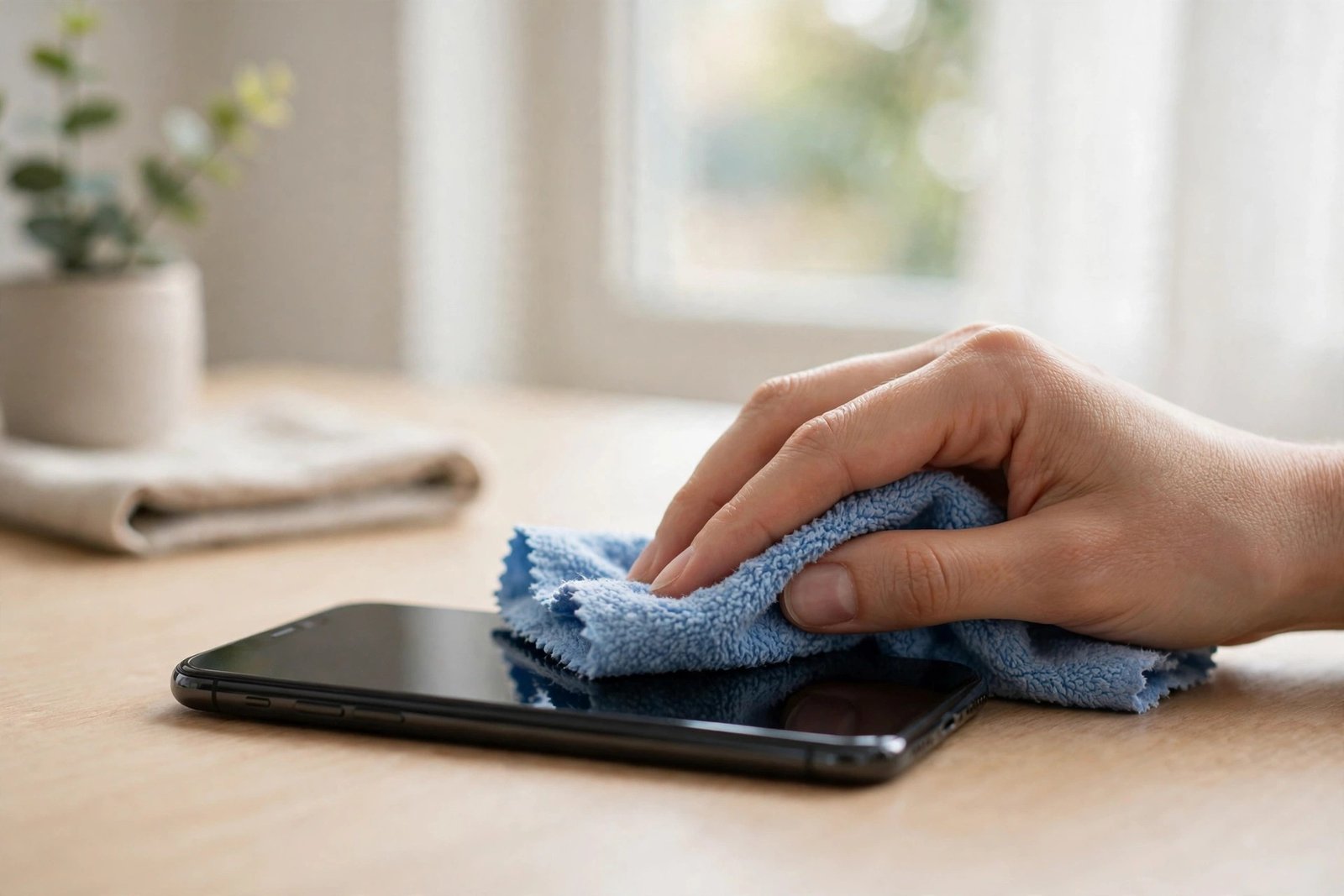
Most of what lands on your protector — fingerprints, dust, light smudges — comes off with a clean, dry microfibre cloth and nothing else. Use small circular strokes, then a final straight pass. Microfibre’s split fibres lift oils rather than smearing them around, which is why it outperforms a shirt sleeve or a tissue (both of which can leave lint and, in the case of paper products, fine fibres and debris that dull the surface over time).
Keep the cloth itself clean. A microfibre cloth that has been sitting in a car glovebox for a year is loaded with grit, and wiping with it is closer to sanding than cleaning. Shake cloths out before use, wash them regularly without fabric softener (softener coats the fibres and kills their absorbency), and keep a couple in rotation — one at your desk, one in your bag.
When Water Is Needed — and How to Use It
Dried-on grease, makeup, or sticky residue sometimes needs moisture. The safe method: dampen a corner of the microfibre cloth with plain water — it should feel barely moist, never dripping — wipe the protector, then buff dry with the other side. That’s it. Plain water cuts through everyday grime surprisingly well because the protector’s oleophobic coating is designed to release oils easily.
Never spray or pour liquid onto the phone itself. Liquid applied directly finds its way into speaker grilles, microphone holes, and charging ports, and it can wick under the edge of the protector, where it clouds the adhesive and may not dry out for days. Everything goes on the cloth first, in small amounts. If you use a dedicated screen-cleaning spray, choose one that is alcohol-free and ammonia-free, and apply it to the cloth, not the screen.
- Breathe on the screen before the final buff. The faint condensation from your breath is the perfect amount of moisture to lift the last haze of fingerprint oil — the same trick photographers use on lenses.
Cleaners That Damage the Oleophobic Coating
Tempered glass itself is tough — but the invisible oleophobic (oil-repelling) coating on top of it is not. That coating is what makes your fingertip glide and fingerprints wipe away easily. Aggressive chemicals dissolve it, and once it’s gone, the protector feels draggy, shows every smudge, and never quite cleans up the way it used to. No amount of polishing brings the coating back.
The main offenders: window and household glass cleaners (most contain ammonia), bleach-based sprays, kitchen degreasers, acetone and nail-polish remover, and anything abrasive — scouring powders, magic erasers, or gritty “polishing” pastes. Hand sanitiser and high-strength alcohol wipes are a grey area: an occasional wipe is unlikely to destroy the coating in one go, but repeated use measurably shortens its life. Save alcohol for when you genuinely need to disinfect, and follow it with a dry buff rather than letting it sit.
Dealing With Edges and Stubborn Grime
The step between the protector’s edge and the phone frame is a magnet for compacted lint and dust, especially if you carry your phone in a pocket. A dry, soft-bristled brush — a clean makeup brush or a soft toothbrush reserved for the job — sweeps this out safely. Work along the edge with the brush angled outward, so debris moves away from the glass rather than being pushed underneath it.
Resist the urge to dig at edge grime with anything hard or sharp. Metal picks, pins, and even fingernails worked into the edge can break the adhesive seal, after which dust and moisture creep under the glass permanently and the corner starts to lift. If a raised edge has already trapped dirt beneath it, that protector is effectively finished — cleaning can’t reverse it, and a replacement is the honest fix.
- Clean your protector whenever you take your case off to wash or swap it — typically once a month. Grime migrates from the case edges onto the glass, and cleaning both together keeps the whole setup looking new.
How Often Should You Clean It?
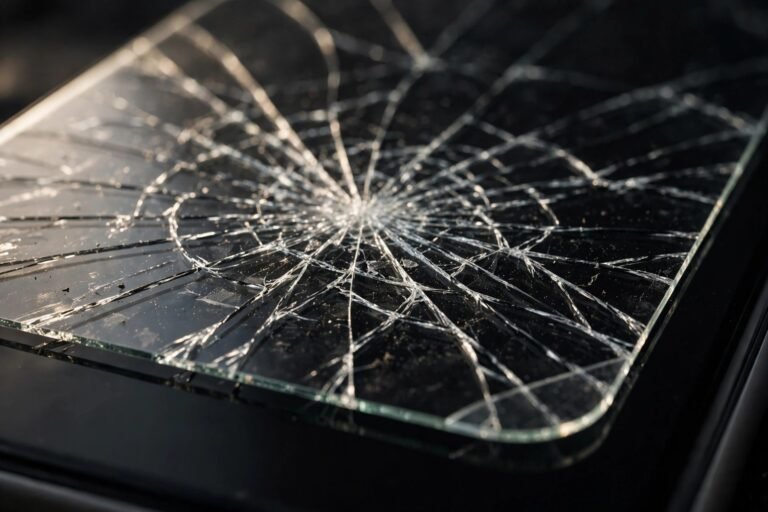
A quick dry wipe takes ten seconds — do it whenever smudges annoy you, which for most people means daily. A damp clean once a week or so keeps oils from building up into that rainbow sheen you see under bright light. Beyond hygiene, there’s a practical reason to stay on top of it: a clean protector lets you spot real damage early. Hairline cracks and chipped edges hide easily under a layer of grime, and a cracked protector should be replaced promptly, since cracked glass no longer protects as it should.
Frequently Asked Questions
Can I clean a glass screen protector with alcohol wipes?
Occasionally, yes — but not as a daily habit. Alcohol gradually degrades the oleophobic coating, so frequent use leaves the surface feeling rough and attracting fingerprints faster. For routine cleaning, a dry or water-dampened microfibre cloth is just as effective and does no harm.
My protector feels sticky and fingerprints won’t wipe off any more. Is it dirty or damaged?
If a proper clean doesn’t restore the slick feel, the oleophobic coating has worn away — typically after many months of use, faster if harsh cleaners were used. The glass underneath is still protecting your screen, but the surface can’t be re-coated at home. Most people replace the protector at this point; it’s inexpensive and restores the like-new feel.
Is it safe to wash a glass screen protector under the tap?
Only if it has been removed from the phone — and removing tempered glass usually weakens or ruins the adhesive, so it rarely goes back on well. Never run a phone under a tap to clean its protector, water resistance ratings notwithstanding. The cloth-first method cleans just as well with none of the risk.
Glass protectors ask very little: a clean microfibre cloth, a little water when needed, and a firm “no” to household chemicals. Treat the coating gently and the surface will stay slick and clear for the protector’s whole life.