The OtterBox Defender is one of the best-known rugged phone cases in the world — the bulky, multi-layer armour that construction workers, parents, and the chronically clumsy have trusted for years. A big part of its reputation was the built-in screen protector: a membrane sealed into the case that guarded the display without needing a separate purchase. But if you are buying a Defender today, the answer to “does it have a screen protector?” is no longer a simple yes.
OtterBox has quietly changed the formula across recent generations, and whether your Defender includes a screen protector now depends on which phone you own and which generation of the case you are buying. Here is the full picture: what the Defender used to include, what changed, how to check your specific model, and what to do if yours arrives without one.
Key Takeaways
- Classic OtterBox Defender cases included a built-in screen protector membrane sealed into the front of the case.
- Many recent Defender generations — including cases for newer Samsung Galaxy models — no longer include a built-in protector.
- Whether your Defender has one depends on the exact phone model and case generation, so check the product specifications before buying.
- If your Defender arrives without a protector, OtterBox sells separate glass protectors designed to fit with their cases.
- A missing built-in protector is not a defect — it reflects a deliberate design shift, partly driven by under-display fingerprint sensors that built-in membranes can interfere with.
The Classic Defender: Built-In Protection
For most of its history, the Defender Series shipped as a complete protective system: a hard polycarbonate shell, a synthetic rubber outer slipcover, and a clear protective membrane built into the front frame that sat over the display. You snapped the case together around the phone and the screen was covered — no separate protector to buy, align, or bubble up. Port covers sealed the charging port and headphone jack against dust, completing the rugged package.
The built-in membrane was a PET-style film rather than glass. It did its job against scratches and dust, but it had well-known quirks: it could slightly dull the display, occasionally trapped dust underneath during assembly, and on some models it interfered with touch sensitivity at the edges. Many long-time Defender users simply removed the membrane and fitted their own tempered glass instead — a common enough practice that OtterBox could hardly have missed it.
What Changed in Recent Generations
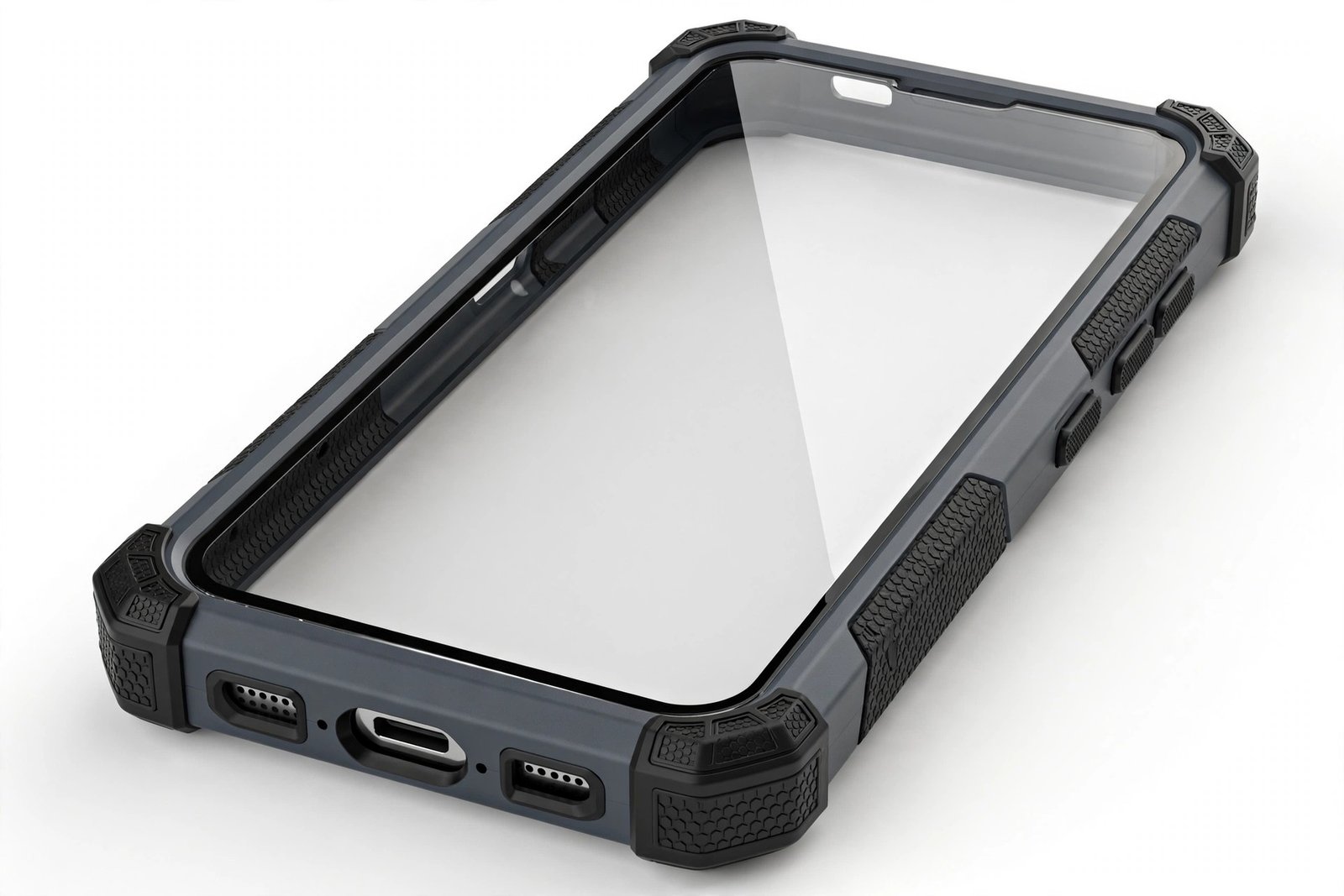
In recent years, OtterBox has moved away from the built-in membrane on many new Defender models. Cases for several current-generation phones — including recent Samsung Galaxy S-series models — ship with an open front and no screen protection included. The case still covers the back, corners, and edges with the same rugged multi-layer design, but the display is left for you to protect separately.
There are solid engineering reasons for the shift. Under-display fingerprint sensors, now common on flagship phones, read poorly through an extra membrane layer — ultrasonic sensors in particular can fail to recognise prints reliably with anything but thin, purpose-made glass between the finger and the sensor. Removing the built-in membrane also eliminates the dust-trapping and display-dulling complaints, and it lets users choose their own protector: clear glass, privacy glass, or none at all.
- Never assume based on the Defender name alone. Two Defenders for two different phones can have different screen protection — always check the “what’s in the box” or specifications section of the exact listing before you buy.
How to Check Your Specific Model
Because the answer varies by phone, verification takes thirty seconds. On the product page for the Defender that fits your exact phone model, look for the specifications or features list: OtterBox states clearly whether a screen protector is included, usually with wording like “built-in screen protector” or, where absent, no mention of screen protection at all. The packaging itself is equally explicit — if a protector is included, it is listed on the box.
Be precise about the model: a Defender for the Galaxy S23 and a Defender for the Galaxy S23 Ultra are different products that may differ on this point, and carrier-specific variants occasionally differ from the standard retail version. When in doubt, OtterBox’s own customer support can confirm for a specific SKU.
What to Do If Yours Has No Built-In Protector
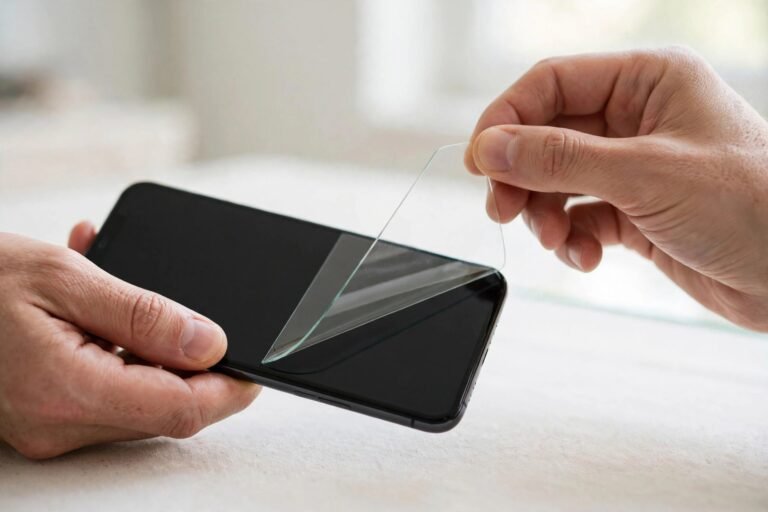
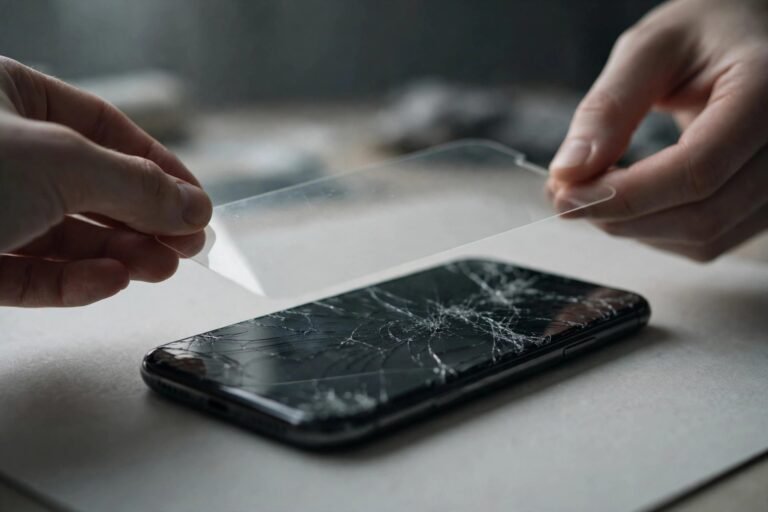
If your Defender arrives with an open front, the display still needs protection — a rugged case guards the corners and back, but a face-down drop onto grit will scratch an unprotected screen regardless of the case. OtterBox sells its own glass protectors (under names like Amplify and Alpha Glass) that are designed to fit alongside their cases without edge interference, which removes the guesswork about compatibility.
Third-party tempered glass works too, with one caution: choose a “case-friendly” protector that sits slightly inside the display edges. Full-coverage glass that runs edge to edge can clash with the Defender’s raised front lip, causing the edges to lift. This is a standard consideration for any rugged case, not something specific to OtterBox.
- Fit the separate screen protector BEFORE snapping the Defender’s front frame on. It is far easier to align glass on a bare phone than to work around a bulky case, and you will get a cleaner, dust-free result.
Defender vs Defender Pro: Does It Matter?
OtterBox also sells the Defender Series Pro, a step-up variant with additional drop protection. The screen protector situation follows the same generation-by-generation pattern: older Pro models included the built-in membrane, while newer ones for current phones generally do not. The Pro badge refers to the case’s impact protection, not to screen coverage — so the same advice applies: check the specific listing.
Frequently Asked Questions
Can I add a screen protector to a Defender that has a built-in membrane?
It is not recommended to stack a second protector over the built-in membrane — the extra layer can cause touch sensitivity issues and trap dust between the layers. If you prefer glass, many users remove the built-in membrane (it usually peels out of the front frame) and fit tempered glass directly on the screen instead.
Why did OtterBox remove the built-in protector?
OtterBox has not published a single official explanation, but the practical drivers are clear: under-display fingerprint sensors perform poorly through membrane layers, users complained about dust and display dulling, and many customers were removing the membrane anyway. Selling the case and the glass separately lets each be optimised for its job.
Is a Defender without a screen protector still worth buying?
Yes — the Defender’s core value is its multi-layer drop and dust protection for the body of the phone, which is unchanged. Just budget for a separate tempered glass protector and fit it before assembling the case, and you end up with better screen protection than the old membrane ever provided.
The Defender’s built-in screen protector is now a “check before you buy” feature rather than a guarantee. Older generations have it; many current ones do not. Verify your exact model’s specifications, and if the front is open, pair the case with a good case-friendly tempered glass — fitted before the case goes on.