That one bubble that never disappears almost always has the same cause: a speck of dust, a fingerprint, or a smudge of grease sealed against the inside face of the protector — the adhesive side that sits against your screen. The natural instinct is to take the protector off and clean it. Sometimes that works beautifully. Sometimes it destroys the protector completely. It depends entirely on what your protector is made of.
This guide covers the safe way to clean the inside of a screen protector — the tape method that fixes most cases without removing anything, the washing method that works for film protectors, and the mistakes that turn a cleanable protector into a write-off.
Key Takeaways
- The safest method removes nothing: lift one corner and dab the inside with a dust-removal sticker or clean sticky tape to lift the speck away.
- Flexible film protectors (PET or TPU) can be washed in lukewarm water with a drop of mild soap. Most tempered glass cannot — water breaks down its full-surface adhesive.
- Never touch the adhesive side with bare fingers. Skin oil transfers instantly and reappears as a permanent smudge-shaped bubble.
- Keep alcohol, solvents, and household cleaners away from the inside face — they attack the adhesive and coatings.
- If the inside is scratched, cloudy, or has already been washed repeatedly, replace the protector — cleaning has limits, and multipacks exist for this reason.
Why the Inside Gets Dirty in the First Place
The adhesive face of a protector is a magnet for contamination, and it only takes a moment. Dust settles on it if the backing film is peeled too early during installation. Lifting the protector to reposition it exposes the sticky side to room air — and to your fingers. Storing a removed protector face-down on a table, or leaving it stuck to a piece of paper “for later”, loads it with fibres and grit. Once any of that is sealed against the screen, it shows up as a bubble with a visible speck at its centre, and no amount of pressing will shift it, because the problem is not air — it is a physical particle holding the glass off the screen.
Method 1: The Tape-Dab (No Removal Needed)
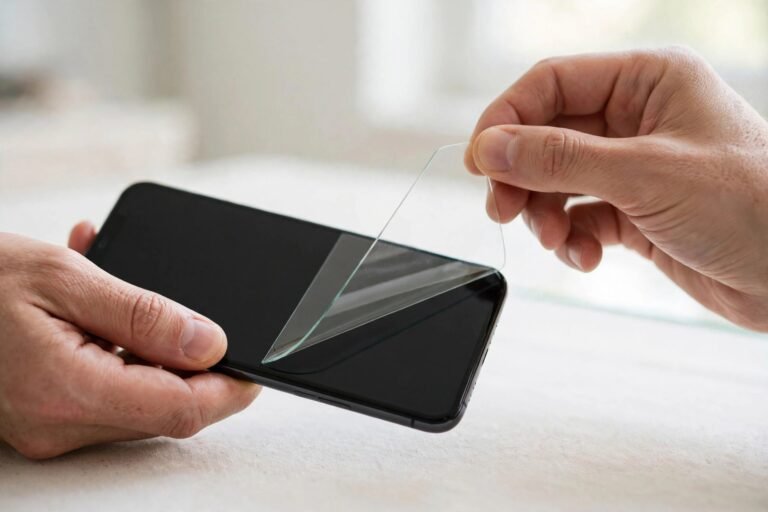
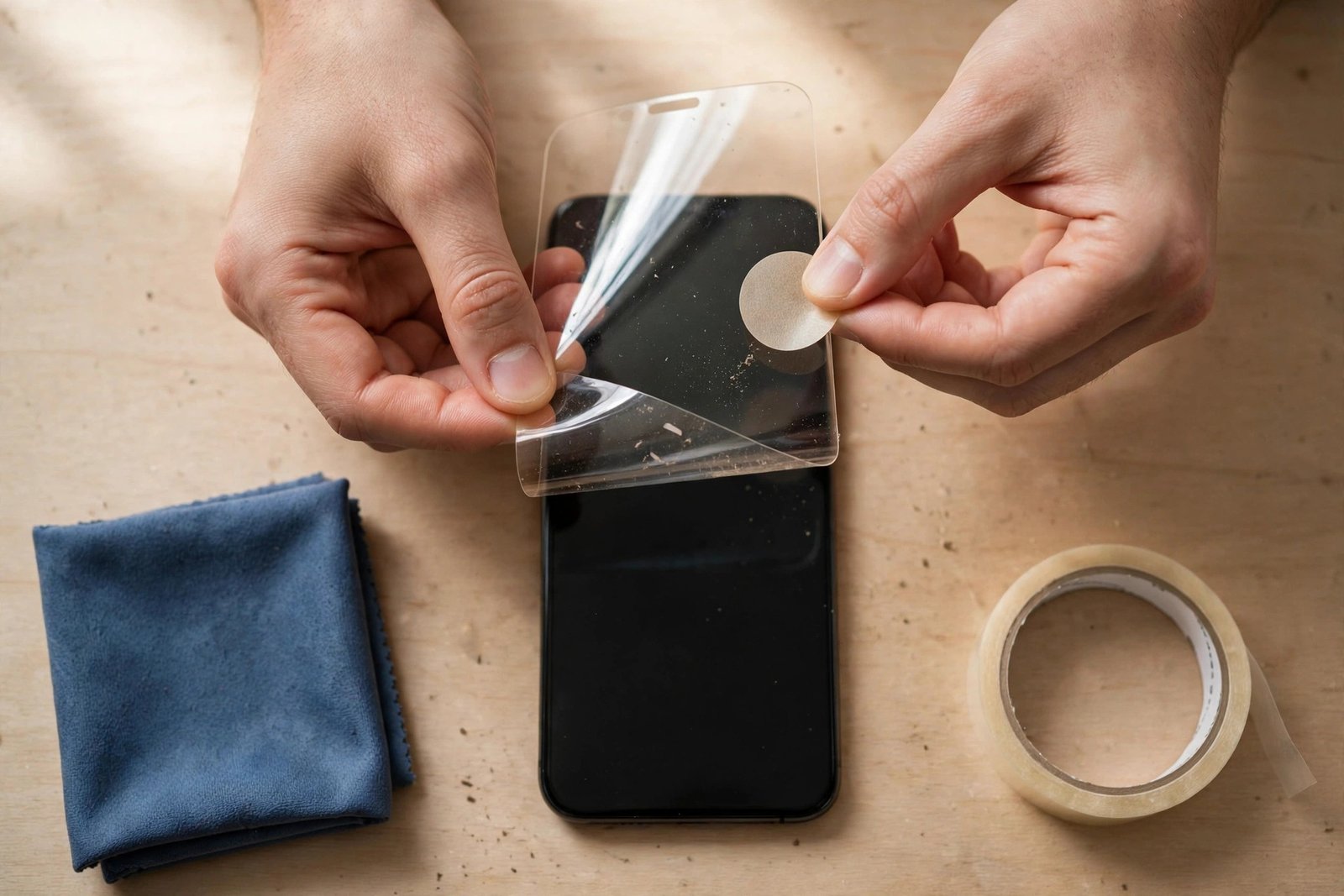
For a localised speck, this fixes the problem nine times out of ten. Work in a steamy bathroom if you can, so the air is carrying less dust. Lift the corner of the protector nearest the speck, slowly, just far enough to reach underneath — do not peel it off completely. Slide a dust-removal sticker, or a piece of clean sticky tape folded sticky-side-out, under the protector and dab at the speck on both surfaces: the underside of the protector and the screen beneath it. Dust often sticks to one or the other, so check both.
Then lower the protector back down gradually, from the lifted corner outward, smoothing as you go so you do not seal new air in. Because you never fully removed it, alignment is preserved and the adhesive was exposed for seconds, not minutes.
- Before lifting, stick a piece of tape along one long edge of the protector as a hinge. The protector then swings up and drops back into exactly the same position — no realignment guesswork, and the exposed adhesive spends far less time facing the room.
Method 2: Washing a Film Protector
If the whole inside face is contaminated — or you have a film protector off the phone already — washing is a genuine option for PET and TPU film protectors only. Fill a clean basin with lukewarm water and a single drop of washing-up liquid. Submerge the protector and gently wipe the adhesive side with your wet fingertips (wet skin does not deposit oil the way dry skin does). Rinse under a gentle stream of clean water, shake off the excess, and either reapply it immediately using the wet-install method, or leave it adhesive-side up in a steamy bathroom to dry. Never towel-dry it: cloth leaves lint, and lint is exactly what you are trying to remove.
Tempered glass is a different story. Most glass protectors use a full-surface adhesive layer that water penetrates and weakens; a washed glass protector may look clean but will typically lose edge adhesion within days and cloud at the corners. Unless your glass protector is explicitly sold as washable, treat removal as final.
What Never to Use on the Inside Face
Three common instincts all do damage. Alcohol wipes and solvents dissolve and streak the adhesive layer. Paper towels and tissues shed fibres and can micro-scratch film. Compressed air sounds ideal but tends to drive particles across the adhesive rather than off it, and can chill and cloud some coatings. Warm water, a drop of mild soap, and sticky tape cover every legitimate cleaning need the inside of a protector has.
- If you have washed a film protector, reapply it wet rather than waiting for it to dry. A fine mist of water on the screen lets the film float into position and pushes out far more easily — it is the most forgiving way to refit any film, new or cleaned.
When Cleaning Isn’t Worth It
Be honest about the protector’s condition. If the inside carries a fingerprint baked into tempered glass adhesive, if the surface is scratched or hazy, if patches of adhesive have visibly thinned, or if this is the third time you have washed the same film, cleaning is no longer the economical answer. Protectors are consumables sold in multipacks precisely because rescue attempts have a low success rate compared with a fresh, factory-clean sheet. Clean the cheap problems — a dust speck, a smudge on film — and replace everything else.
Frequently Asked Questions
Can I wash a tempered glass screen protector?
Generally, no. Water works into the full-surface adhesive and degrades it, so even if the glass comes out looking clean, edge lift and cloudy corners usually follow within days. A small number of models are marketed as washable — unless yours is one of them, assume a removed glass protector is finished.
There’s a fingerprint sealed on the inside. Can it be removed?
On a film protector, washing will usually lift it. On tempered glass, the oil bonds into the adhesive layer itself, and neither tape-dabbing nor rinsing will pull it back out — the smudge-shaped bubble is permanent. That protector needs replacing.
How do I stop more dust getting in while I clean?
Run a hot shower for a few minutes and work in the steamy bathroom — humidity pulls airborne dust down. Keep the adhesive side exposed for as short a time as possible, hold the protector by its edges, and use the tape-hinge method so the protector is never fully off the phone and open to the room.
The inside of a protector can be cleaned — selectively, gently, and with the right method for its material. Dab tape for a speck, wash film if you must, and have the honesty to replace anything the dirt has truly moved into.