Some tempered glass protectors sit so flush on an iPhone that there is simply no edge to get a fingernail under. You run your nail around all four corners and feel nothing but a smooth, sealed border — the pane might as well be part of the phone. Picking at it harder only risks chipping the glass or, worse, scoring the screen you’re trying to protect.
The tool that solves this is a humble suction cup. Instead of prising an edge up, you grip the face of the glass and pull a corner free with controlled, even force. This guide covers the suction method step by step, plus the tape-tab alternative, for iPhones whose protectors refuse every normal start.
Key Takeaways
- When nails can’t find an edge, grip the face of the glass with a small suction cup instead of prising.
- Place the cup near a corner, pull up and toward that corner, and ease — never yank.
- Warm the screen first: softened adhesive can halve the force a flush pane needs.
- Once a corner lifts, switch to the normal rules — low, slow peel with the pane supported.
- Never use metal tools. A suction cup, tape, and a plastic card are the whole toolkit.
Why iPhone Panes Sit So Flush
Modern iPhone protectors are precision-cut to cover nearly the entire front glass, and their adhesive bonds across the full face. After months of pocket pressure, the bond settles completely and the pane’s edge all but disappears against the screen. That’s good engineering while the protector is in service — and a small puzzle when its service ends.
The temptation is to reach for something thin and metal. Resist it absolutely. Anything hard enough to force that seam is hard enough to scratch the display beneath, and a blade that slips near the earpiece can damage the speaker mesh and the front sensors. Suction works on a different principle entirely: force through the glass, not under it.
What You’ll Need
- A small suction cup (the kind in phone repair kits and shower-hook spares)
- Sticky tape, for tabs and for taping a cracked pane
- A thin plastic card, to hold a started edge open
- A microfibre cloth and a bin nearby
- Optional: a hairdryer on its lowest setting for gentle warmth
Step 1: Warm and Prepare
Take the case off and lay the iPhone face-up on a soft cloth. Warm the screen gently — a hairdryer on its lowest setting, kept moving a hand’s width away for 30–60 seconds, or simply ten minutes of normal use in a warm room. You want the glass pleasantly warm, never hot. Warmth softens the adhesive layer so the corner releases under steady suction instead of a sudden crack.
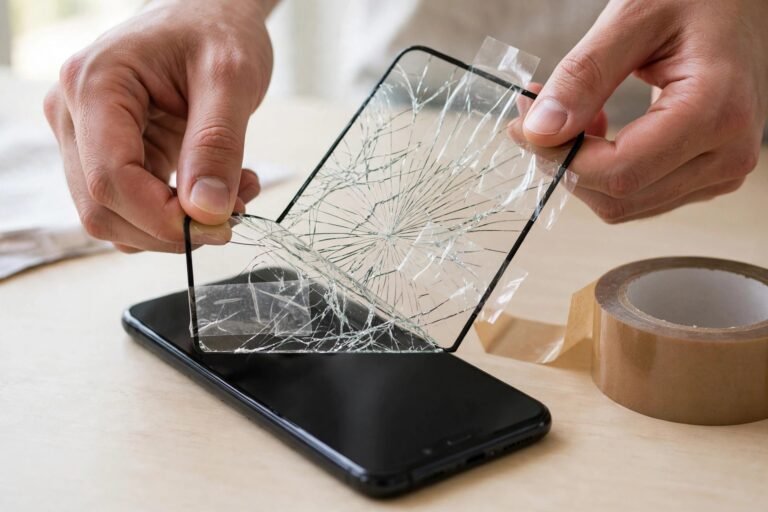
If the protector is cracked, cover it with overlapping strips of tape now, before any pulling. Suction on a cracked pane can separate the fragments; the tape holds them as one sheet so they lift away together.
- Clean the protector’s surface and dry the suction cup before you start — suction fails on greasy glass, and a cup that slips mid-pull can startle you into a yank.
- No suction cup? Press a wide strip of strong tape firmly over a corner, fold the excess into a tab, and pull the tab up and back — it starts more panes than you’d expect.
Step 2: Set the Cup Near a Corner
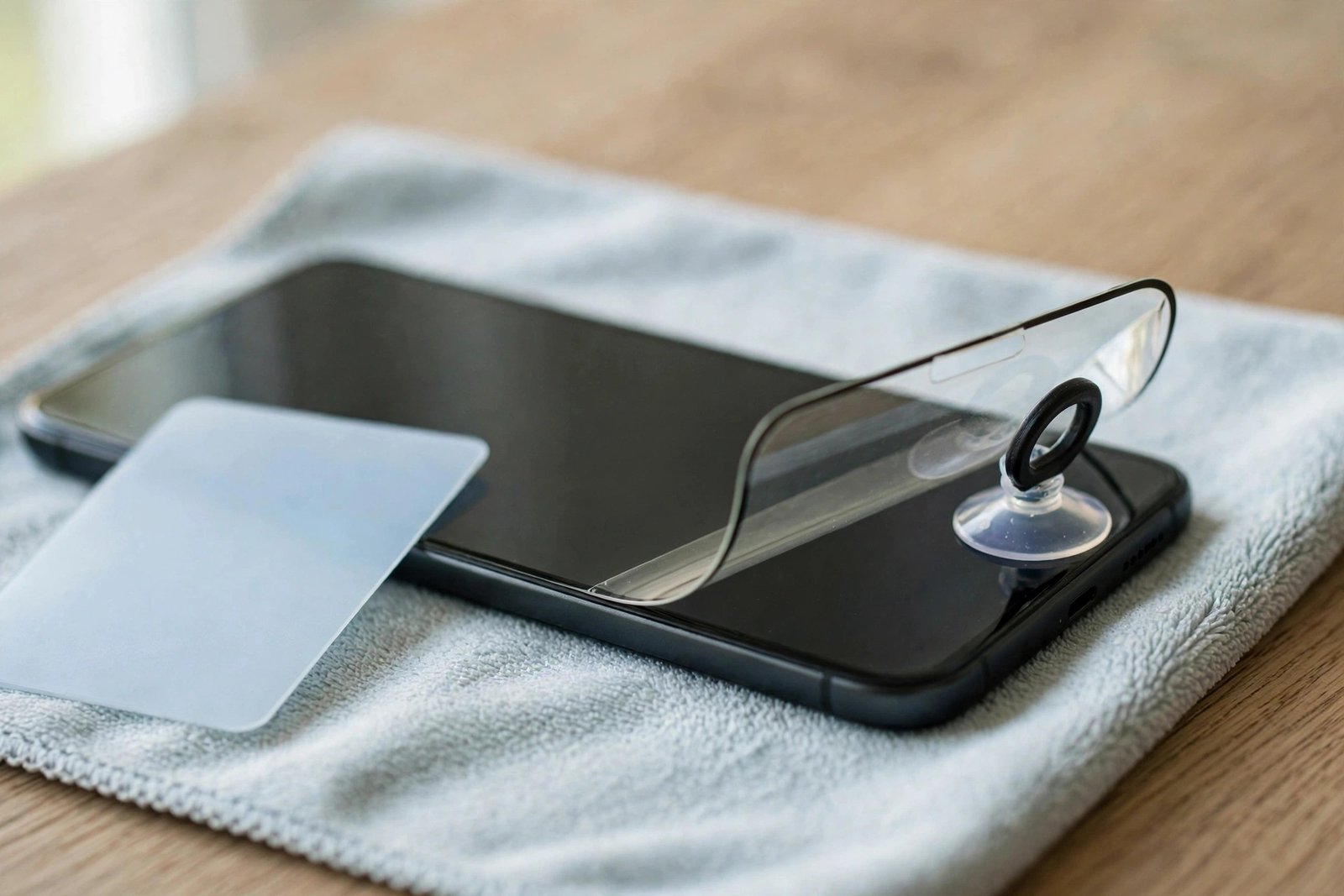
Choose the corner that history suggests is loosest — often the one nearest the charging port, where cables and case edges have flexed it most. Press the suction cup onto the face of the protector close to that corner, but not hanging over the edge. Press firmly to expel the air and set the seal. If your cup has a ring or handle, thread a fingertip through it for control; if not, grip the cup’s tab between finger and thumb.
Step 3: Pull the Corner Free
Now pull slowly upward and slightly toward the corner, increasing force gradually over several seconds. Hold the phone down with your other hand so it doesn’t lift with the pane. You’re listening and feeling for the change: a faint crackle and a subtle give as the adhesive starts to release at the corner. The corner only needs to rise a millimetre or two — enough to slide the plastic card flat underneath and park it there as a wedge.
If nothing moves after a firm, sustained pull, stop. Do not escalate to a yank — that’s how panes snap and cups fly. Re-warm the corner, re-seat the cup, and try again. A stubborn pane may take two or three warm attempts; each one loosens the bond a little more.
Step 4: Peel, Supported, as Normal
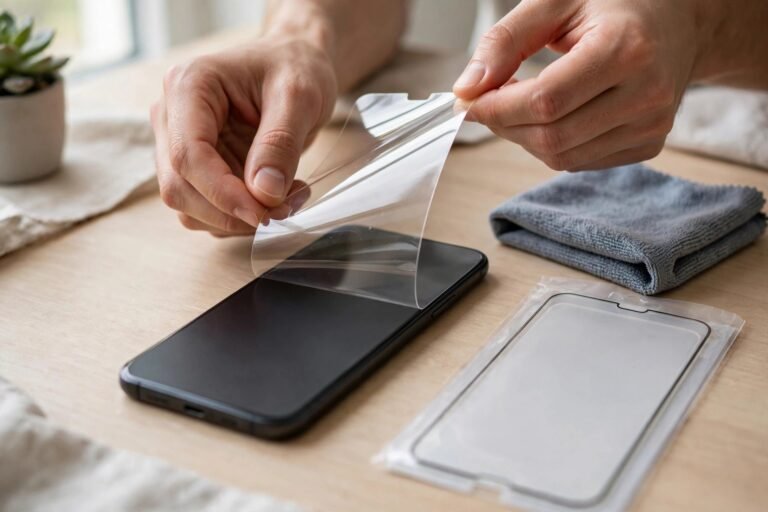
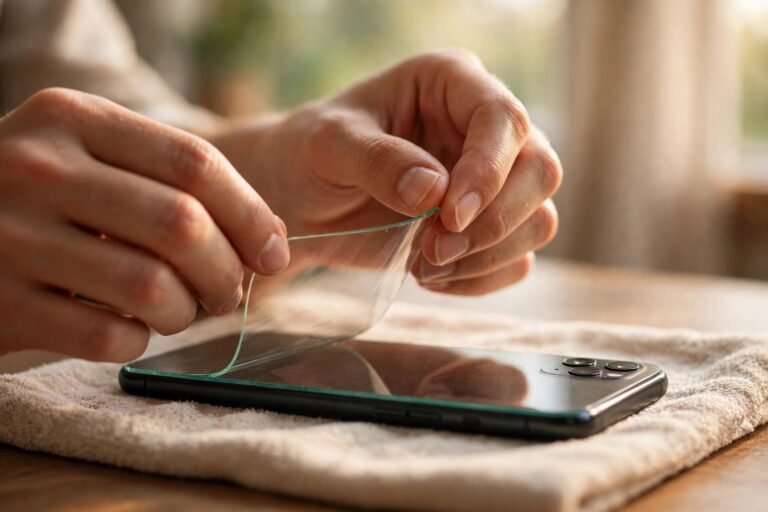
With the card parked under the freed corner, remove the suction cup. From here the rules are the familiar ones: peel low and slow, folding the glass back over itself, and slide your free hand under the freed section so the pane is supported along its length and never droops or flexes. Advance a centimetre at a time. If resistance builds, warm that area briefly or work a second corner from the opposite side and let the two fronts meet.
Take extra care passing the top of the screen — no levering tools near the earpiece, front camera, or Face ID sensors, at any point. When the pane comes free, wrap it in its tape (if cracked) and bin it. Wipe the screen with the microfibre cloth, dab any adhesive flecks up with tape, and inspect the display under a bright light before the new protector goes on.
- Slide the parked card along the edge as you peel — it acts as a travelling wedge that keeps the freed edge from re-sticking behind you.
- A cup that keeps losing its grip usually means the pane is filmed with skin oil. One wipe with a barely damp cloth, dried fully, restores the seal.
Frequently Asked Questions
Will suction pull on the iPhone’s actual screen?
The cup grips only the protector’s outer face, and the force needed to break the protector’s adhesive loose is modest and gradual — far below anything that troubles the display assembly. The risk in removals comes from prising and levering, which is exactly what suction lets you avoid.
The cup starts the corner, but it keeps snapping back down. What now?
That’s why the plastic card exists. The instant the corner rises, slide the card flat underneath and leave it parked — it holds your progress while you reposition. Then work the card gently along the edge to extend the freed section before peeling by hand.
Can I use this on an iPad or a very large iPhone?
Yes — the method matters even more on big panes, which flex and snap more easily. Start one corner with the cup, park a card, free a second corner if needed, and support the sheet with a flat palm as it comes away. Big glass rewards patience in exact proportion to its size.
No edge is no problem: warm the pane, grip its face with a suction cup, ease one corner free, and the flushest protector on your iPhone lifts away like any other.