If you have never taken a screen protector off before, the worrying part is not knowing what it should feel like. How hard are you meant to pull? Is that creaking sound normal? Is the screen itself about to come away with it? Rest assured: protectors are designed to be removed, millions of people do it without incident, and the screen underneath is far tougher than the film or glass sitting on top of it.
This beginner’s walkthrough covers a straightforward first removal of an intact protector — no special tools, nothing bought specially. It explains what normal resistance feels like at each stage, how to start a corner without drama, how to peel without snapping anything, and what to do with the old protector once it is off.
Key Takeaways
- You need no tools at all — clean hands and a fingernail are enough for an intact protector.
- Some resistance is normal: protector adhesive is meant to hold, so a firm, steady pull is expected.
- Start at a corner and lift only a few millimetres before you begin peeling.
- Peel slowly, low and flat — speed, not strength, is what breaks protectors mid-removal.
- A protector that has come off cannot go back on — its adhesive is spent, so have the replacement ready.
- The old protector goes in the household bin, wrapped if it is cracked glass.
What Normal Removal Feels Like
Here is the part nobody tells beginners: a well-fitted protector does not float off. The adhesive grips along its whole surface, so the corner takes a little persuading, and once the peel starts you will feel a steady, even resistance — like peeling a very large, very strong sticker. That resistance is the adhesive doing exactly what it was designed to do, and it eases as more of the protector releases.
You may also hear soft crackling or see the protector flex slightly as it comes away. Both are normal, especially with tempered glass. What is not normal is needing to yank, pry with anything sharp, or use your full strength. If it ever feels like a wrestling match, stop, warm the phone in your hands for a few minutes, and try again — warmth softens the adhesive noticeably.
Step by Step: Your First Removal
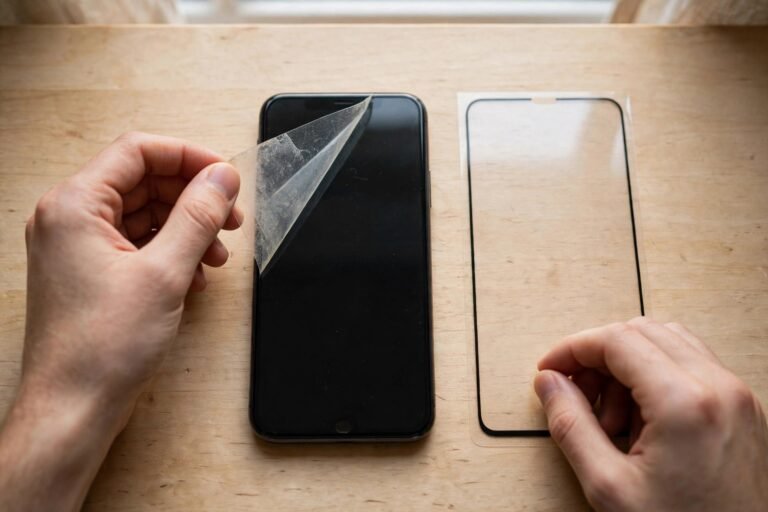
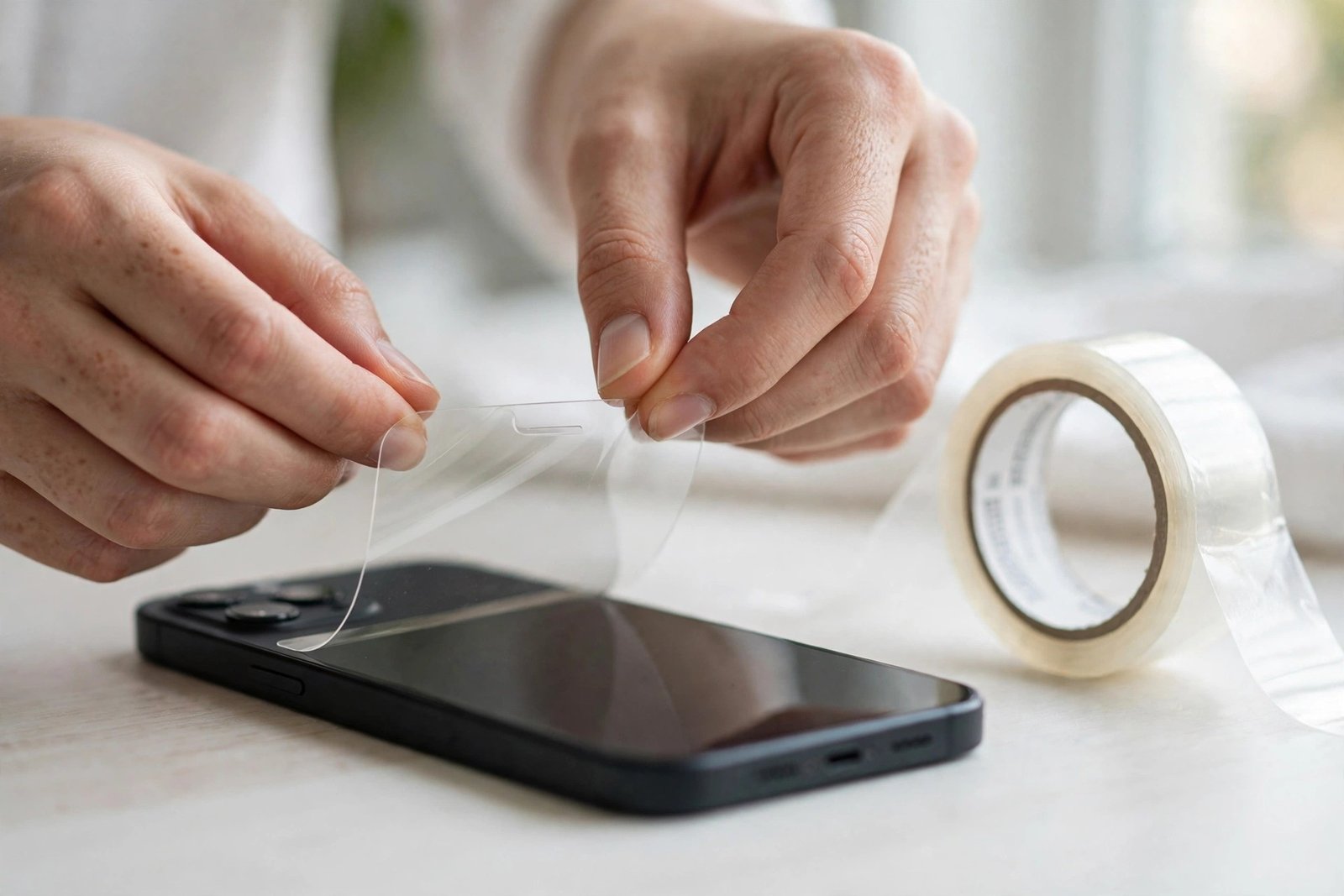
Step one: take the phone case off and wash your hands. Step two: look at all four corners of the protector and pick the one that looks loosest — there is often a tiny pale line along one edge where the bond has already given up slightly. Step three: slide your fingernail flat into that corner’s seam, moving it sideways rather than digging down, until the corner lifts a few millimetres.
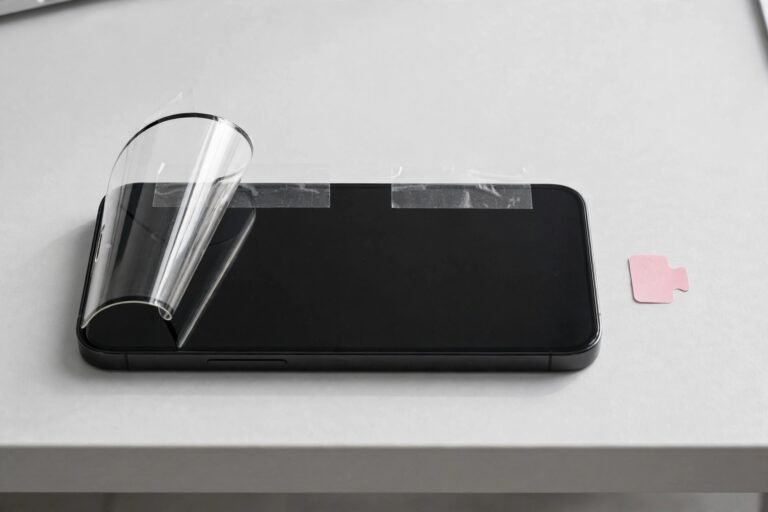
Step four: grip the lifted corner between finger and thumb and peel slowly, folding the protector back over itself so it stays nearly flat against the screen as it releases. Keep the pace funereal — a full ten seconds for the whole peel is about right. Step five: set the old protector down sticky-side up, and admire a job that was considerably less dramatic than expected.
- Short nails? Stick a small piece of strong tape on top of the corner and pull the tape — it lifts the corner without any digging at the seam.
- A length of dental floss slid under a started corner and drawn gently along the edge frees a stubborn section with no tools at all.
If a Corner Will Not Start
Every beginner meets one corner that refuses to budge, and it does not mean you are doing it wrong. Long-fitted protectors bond hardest at the edges. Warmth is the first remedy: use the phone for ten minutes, hold it in warm hands, or rest it somewhere warm (never hot) and try again — the difference is usually obvious within minutes.
If warmth alone is not enough, work the thin edge of a plastic card — a bank card or loyalty card — into the corner at a shallow angle. Plastic is softer than your screen’s glass, so it can start a seam without scratching. What you must never reach for is a knife, pin, or screwdriver: metal slips, and the scratch it leaves will outlive every protector you ever fit.
What To Do With the Old Protector Afterwards
Once it is off, the old protector is simply rubbish — its adhesive has picked up dust and oils and cannot be reused, even as an emergency spare. An intact film protector can go straight into the household bin. It is not recyclable in most areas, because it is a laminate of plastic and adhesive that recycling streams cannot separate.
Tempered glass needs one small courtesy first: if it cracked during removal, fold it inside a sheet of paper or a piece of card and tape the parcel shut before binning it, so no sharp edge is waiting for whoever handles the rubbish. Then wipe the bare screen down, and fit your new protector while the glass is at its cleanest.
- Fit the replacement straight after removal — the screen is never cleaner than in the minute after a proper wipe-down.
- Not refitting today? Put the case back on so the bare screen is at least shielded from keys and coins in the meantime.
Frequently Asked Questions
How much force is too much?
If you are bending the protector sharply, gritting your teeth, or the phone is flexing in your grip, that is too much. A correct peel needs firm, steady pressure and patience — the adhesive releases in a slow creep. Whenever resistance spikes, the answer is warmth and a pause, never a harder pull.
Can removing a protector damage my screen?
Done this way, no. Protector adhesive is deliberately far weaker than the bonds holding your screen together, and protectors are designed to be replaced several times over a phone’s life. Damage stories almost always involve metal tools slipping — which is why this guide sticks to fingernails, tape, floss, and plastic cards.
Why does the screen look slightly marked where the protector was?
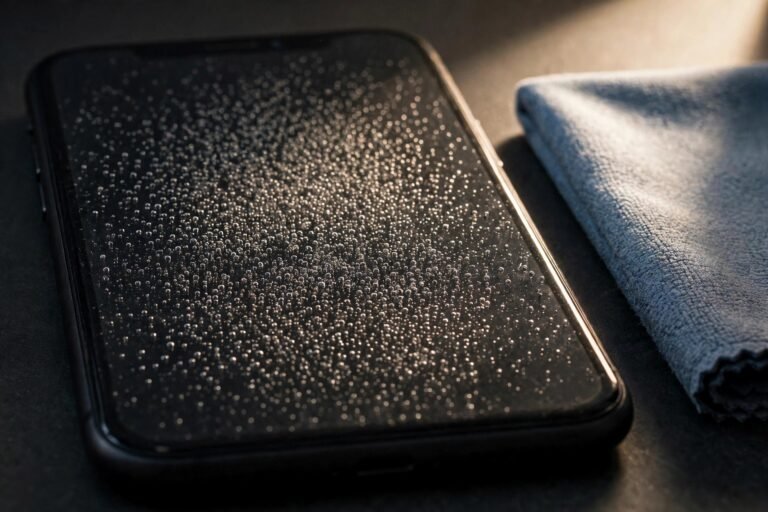
That ghost outline is usually a faint film of aged adhesive and grime that gathered under the protector’s edges, not damage to the glass. It wipes away with a wet wipe or a barely damp microfibre cloth, followed by a dry buff. If a mark survives a proper clean and can be felt with a fingernail, it was a scratch the old protector had been hiding.
First removal nerves are universal — and universally overblown. One corner, one slow flat peel, and you will wonder what the worry was about.