A matte protector that makes an iPad screen feel like paper — that is the promise behind paper-feel screen protectors, the category that has grown up around digital artists, note-takers, and students who spend hours writing on glass. The smooth, slippery glide of a bare display is the opposite of pen on paper, and for people who draw or handwrite daily, that friction matters more than almost anything else.
But these protectors ask you to trade something real for that texture: display clarity. This guide weighs the drawing and writing benefits against the image-quality cost, compares the main options, and helps you decide whether a paper-feel protector is worth it for the way you actually use your device.
Key Takeaways
- Paper-feel protectors use a textured matte finish that adds friction, making styluses feel much closer to pen on paper.
- They are worth it if you draw, sketch, annotate, or handwrite notes for hours each week — the control improvement is dramatic.
- The trade-off is real: the frosted surface softens the display slightly and can add a subtle grain or sparkle to whites.
- They wear down stylus nibs faster than clear glass — budget for replacement nibs if you draw heavily.
- For media watching and reading, clear glass is better; consider whether you need paper-feel full-time or only for creative work.
What “Paperlike” Actually Means
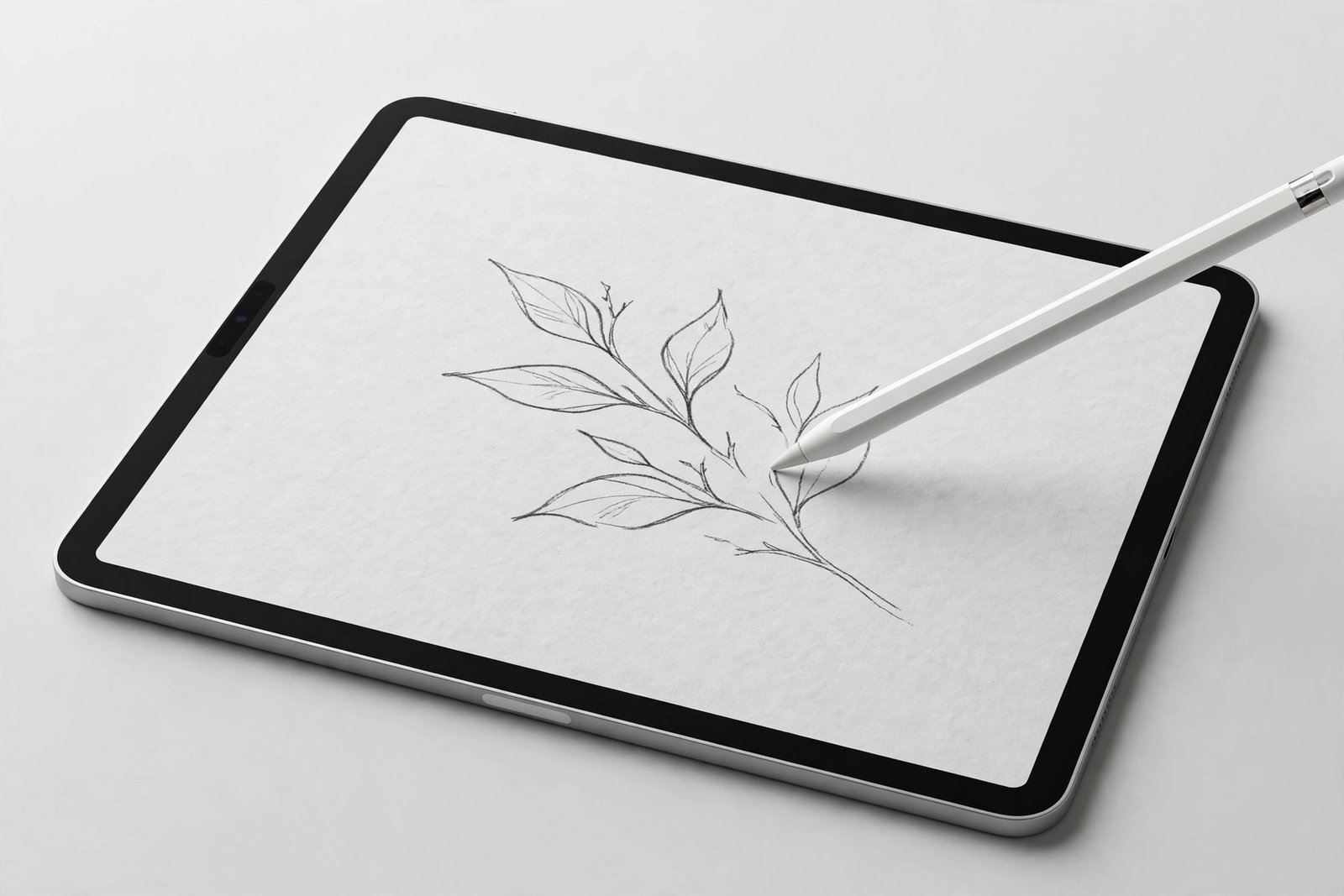
Paper-feel protectors are matte screen protectors with a deliberately grainy surface texture. Where a standard matte protector is simply frosted to cut glare, paper-feel variants are engineered with a finer, more consistent micro-texture tuned to mimic the drag of paper. When a stylus tip moves across it, the added friction gives you the tactile feedback that makes handwriting legible and line work controllable — the pen stops skating and starts gripping.
The effect is strongest for handwriting. On bare glass, fast writing turns into an illegible slide; on a paper-feel surface, letters form with the same muscle memory you use on paper. For sketching, the texture gives you finer control over line weight and shading, since the stylus responds to pressure changes more predictably instead of gliding past them.
The Clarity Trade-Off, Honestly Stated
Here is the cost, and there is no way around it: the same texture that creates friction also scatters the display’s light. Colours look slightly less saturated, fine text a touch softer, and bright whites can show a faint graininess — sometimes called sparkle — that is most visible on high-resolution iPad displays. It is not dramatic, but if you put a paper-feel iPad next to a clear-glass one, the difference is immediately visible.
How much this bothers you depends on your split between creating and consuming. Digital artists who spend 90% of their screen time in a drawing app barely notice after a day; the texture becomes invisible when you are focused on the work. But if you watch films, edit photos, or read comics on the same iPad, the softened image is a persistent, low-grade annoyance — and photo editors in particular tend to remove paper-feel protectors the moment colour accuracy matters.
- If you both draw and watch media on one iPad, consider a magnetic removable paper-feel protector. It snaps on for drawing sessions and lifts off for films — the best of both worlds, with no adhesive to wear out from repeated removal.
Nib Wear: The Hidden Running Cost
The texture that feels so good under the stylus is mildly abrasive, and it wears down stylus nibs faster than smooth glass does. Heavy users report going through nibs noticeably quicker — where a nib might last months on glass, it can wear to a stub in weeks of intensive drawing on a coarse paper-feel surface. Replacement nibs are cheap, but it is a recurring cost and a maintenance chore worth knowing about upfront.
You can manage this. Softer nibs wear faster but feel better; harder nibs last longer with slightly less grip. Some artists rotate between two nibs, and most simply keep a pack of spares in the pencil case. It is not a dealbreaker — just factor a few pounds a year into the true cost of the setup.
Who Should Buy One — and Who Should Not
Buy one if you handwrite notes daily, sketch or illustrate regularly, annotate documents for work or study, or find the glass glide actively hurts your control. Students taking lecture notes on an iPad and artists doing client work are the core audience, and for them the answer is an easy yes — the productivity gain dwarfs the clarity cost.
Skip it if your iPad is mainly a media and reading device, if you do colour-critical photo or video work, or if you only doodle occasionally. Casual stylus users often find the texture more annoying than helpful, since they notice the grainy display far more than they benefit from the friction. A standard clear protector — or no protector, with a case — serves them better.
- Not all paper-feel textures are equal. Finer-grained options preserve more display clarity while still adding useful friction; coarser ones feel more like real paper but grain the screen more. If you are sensitive to display quality, choose the finest texture you can find.
Frequently Asked Questions
Do paper-feel protectors damage the Apple Pencil tip?
They do not damage the pencil itself, but they wear down replaceable nibs faster than smooth glass. Keep spare nibs on hand and check the tip regularly — a worn nib can scratch the protector, though not the display beneath it.
Can I use a paper-feel protector on a phone?
You can, but few people should. Phones are used far more for reading and media than for stylus work, so the clarity trade-off rarely pays off. Paper-feel makes sense on tablets where drawing and writing are primary uses.
Does the texture wear smooth over time?
Gradually, yes. Months of stylus use polish the texture slightly, especially in the centre of the screen where you draw most. When the paper feel fades noticeably, it is time for a replacement — typically after six to twelve months of heavy use.
A paper-feel protector is worth it when the stylus is your primary tool and a hindrance when it is not. Match the protector to your actual hours, not your aspirations — artists and note-takers will love it, everyone else should stick with clear glass.