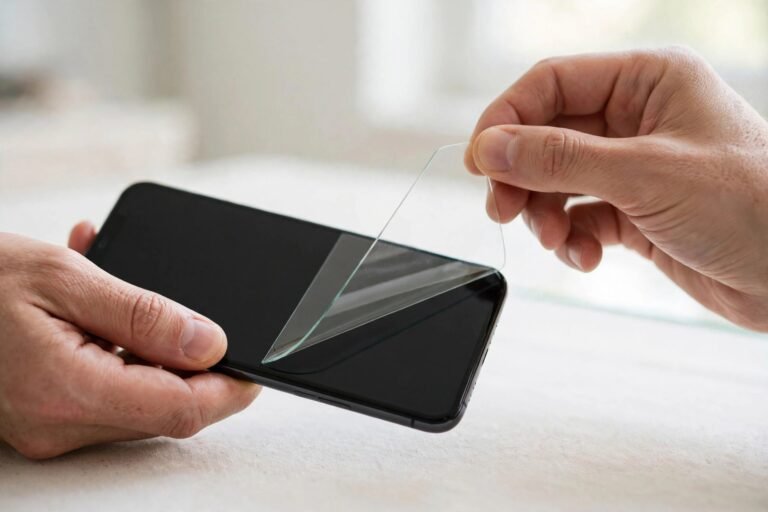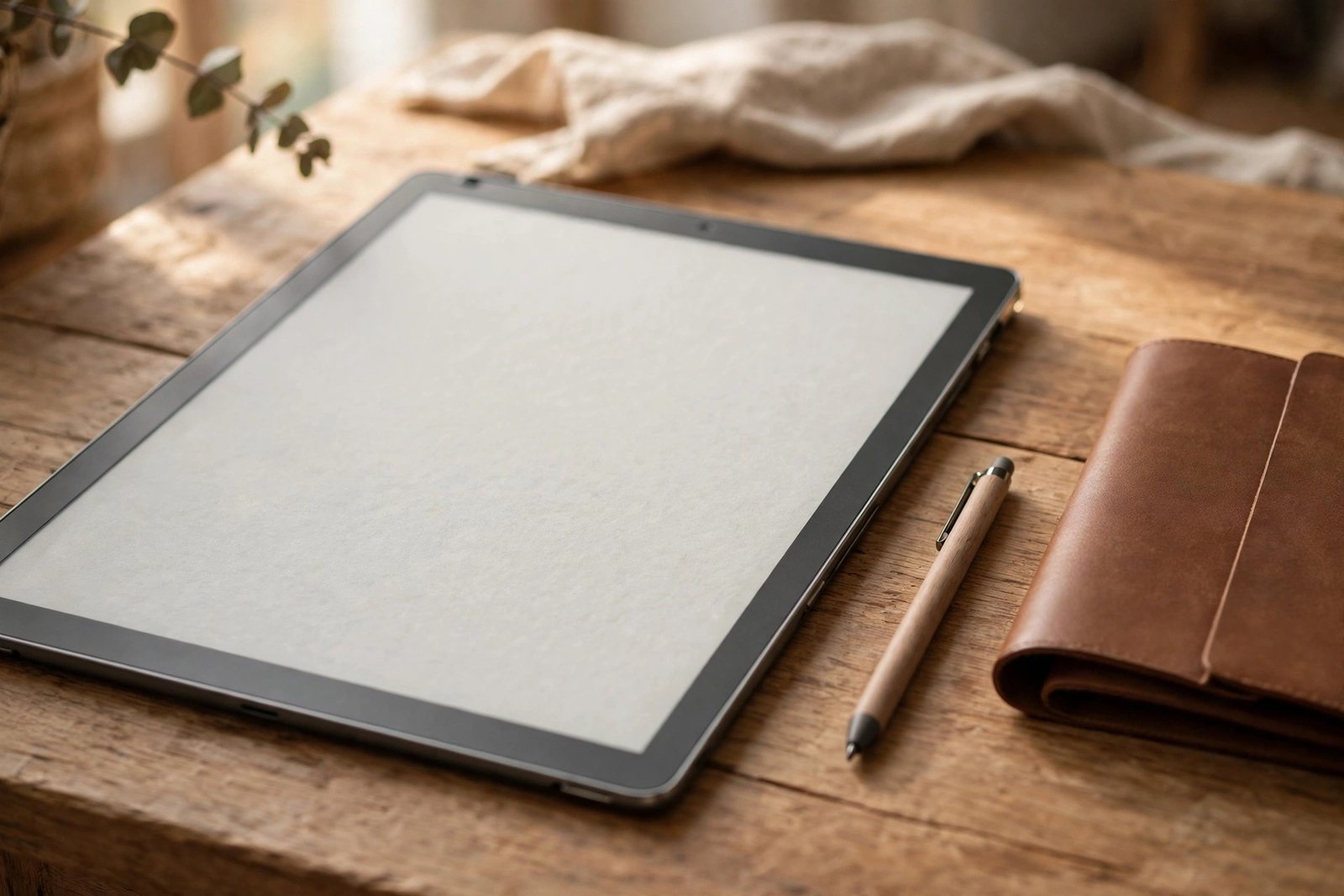
The Kindle Scribe is not a normal e-reader. Its large E Ink screen is designed to be written on with its pen, which makes the screen protector question trickier than usual: the surface you would be covering is the very thing that gives the Scribe its paper-like writing feel. So does a Kindle Scribe need a screen protector at all?
For most owners, the honest answer is probably not — provided it lives in a case. The Scribe’s display already has a textured, glare-free finish, and adding a film can change how the pen feels and how the screen looks. But there are situations where a protector makes sense. Here is how to decide.
Key Takeaways
- The Scribe’s screen has a built-in textured, anti-glare finish designed for its pen — it is not bare, fragile glass like a phone screen.
- A protector can change the writing feel, making strokes slicker or grittier, and a glossy film can reintroduce glare the screen was designed to avoid.
- Most damage risk comes from transport, and a folio case or sleeve covers the screen completely when it matters most.
- Manufacturer guidance on third-party films is limited and varies — check Amazon’s current guidance for your model before fitting one.
- A protector is worth considering if your Scribe travels without a case, is shared, or is used around children or in rough environments.
- If you do fit one, choose a matte film made specifically for the Scribe’s screen size, and keep a spare pen nib handy — films can wear nibs faster.
A Screen That Was Built to Be Written On
E Ink devices are different from phones and tablets. The Scribe’s display sits under a surface layer with a deliberate, fine texture: it creates the slight friction that makes writing with the pen feel like pen on paper, and it diffuses light so the screen stays readable and glare-free in bright rooms and sunlight. The pen nibs are designed to wear gradually against this surface and are replaceable for exactly that reason.
That design changes the usual protector logic. On a phone, a protector preserves a flawless sheet of glass. On a Scribe, the “flawless” surface is already a working surface — adding a layer on top means writing on the film instead of the finish Amazon engineered, for better or worse.
What a Protector Changes: Feel and Glare
The biggest trade-off is writing feel. A smooth or glossy film makes the pen glide more like a stylus on a tablet — faster, slicker, and less controlled for handwriting. A matte film keeps some friction but rarely matches the original texture exactly, and stacking texture on texture can feel oddly gritty. Either way, the writing experience you paid for is altered, so try to be sure you want that before committing.
The second trade-off is glare and clarity. Glossy protectors reflect overhead lights and windows, undoing the Scribe’s anti-glare design. Matte films preserve the glare-free look but can soften the text very slightly — noticeable on an E Ink screen whose sharpness is one of its pleasures. Neither effect is dramatic, but both are permanent while the film is fitted.
- Dust and grit are the Scribe’s real enemies, not the pen. Wipe the screen with a dry microfibre cloth before long writing sessions — a grain of grit under the nib can scratch any screen, protected or not.
- Replace pen nibs when they look worn or feel scratchy. A fresh nib protects the screen better than any film.
What About Manufacturer Guidance?
Amazon does not heavily promote screen protectors for the Scribe, and official guidance on third-party films is limited; what exists tends to focus on using the correct pen nibs and keeping the surface clean. Guidance can also differ between Scribe generations and change over time, so check Amazon’s current support pages for your specific model before fitting a film, and be cautious of any protector listing that claims official endorsement.
It is also worth knowing that the Scribe’s front is comparatively soft next to phone glass — E Ink screens prioritise the writing surface over hardness — so while the pen itself is safe, keys, zips, and other hard objects in a bag genuinely can mark it. That risk is about transport, though, and transport risk is exactly what a case solves.
The Verdict by How You Use It
Home reader and note-taker with a folio case: skip the protector. Your screen is covered in transit, textured by design, and best enjoyed as intended. Daily commuter or traveller: a case is still the first answer; add a matte, Scribe-specific film only if the device rides in a crowded bag or you often use it caseless. Shared, classroom, workplace, or children’s use: a protector becomes genuinely sensible — the cost of a film is trivial next to a screen replacement, and the feel trade-off matters less than survival.
If you do fit one, buy a film cut precisely for the Scribe’s display size, apply it with the same dust-free care as any protector, and test the pen feel over a few pages before deciding whether it stays. Expect slightly faster nib wear on textured films, and keep spare nibs in the case.
- A folio case plus no protector is the combination most Scribe owners settle on: full protection when closed, original writing feel when open.
Frequently Asked Questions
Will the Scribe’s pen scratch its own screen?
No — the nibs are designed for the surface and wear down themselves instead of marking it. Scratches come from grit trapped under the nib or from hard objects in a bag. Wiping the screen before writing and replacing worn nibs keeps the display safe.
Does a screen protector affect writing on the Kindle Scribe?
Yes, it can. Glossy films make strokes slicker and less controlled; matte films add their own texture over the built-in one. The pen still works, and pressure and palm rejection are unaffected, but the feel changes — which is precisely why many owners choose a case instead.
Is a case enough protection for a Kindle Scribe?
For most people, yes. Nearly all Scribe screen damage happens during transport or storage, when a folio case covers the display completely. A protector only adds value while the device is open and in use — during a drop onto a hard edge, for instance — which is a much rarer scenario.
The Scribe’s screen was engineered to be written on, not wrapped up — protect it with a case, keep it clean, and only add a film if your routine is rougher than most.