Your screen protector is scratched, lifting at the corners, or simply due for a change — but as you work a fingernail under its edge, a worry surfaces: what if taking this off damages the screen underneath? It is one of the most common anxieties in phone care, and it keeps plenty of people using protectors long past their best.
The reassuring truth is that removing a screen protector is safe in the overwhelming majority of cases — protectors are designed to come off. But there are a handful of genuine exceptions worth knowing about. This guide covers the safe removal technique, the truth about adhesive residue and coatings, and the rare situations where removal really can cause harm.
Key Takeaways
- A standard tempered glass or film protector can be removed safely with no damage — it is designed to be replaceable.
- Peel slowly from one corner, keeping the angle low; never lever with metal tools or rip it off quickly.
- Leftover adhesive residue wipes off with a microfibre cloth and a little isopropyl alcohol — it is not screen damage.
- Removal does not strip the oleophobic coating in any meaningful way — that is a persistent myth.
- The real risks: cracked protectors lifting glass shards, and factory-fitted films on folding phones, which should never be peeled.
The Safe Way to Remove a Screen Protector
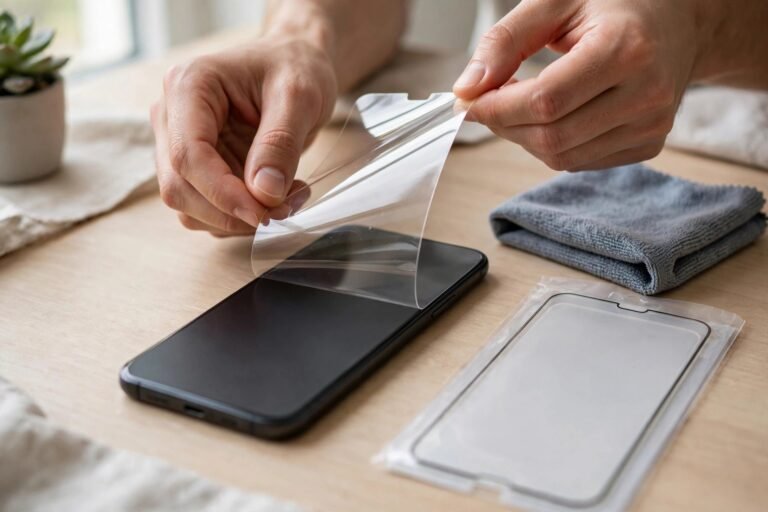
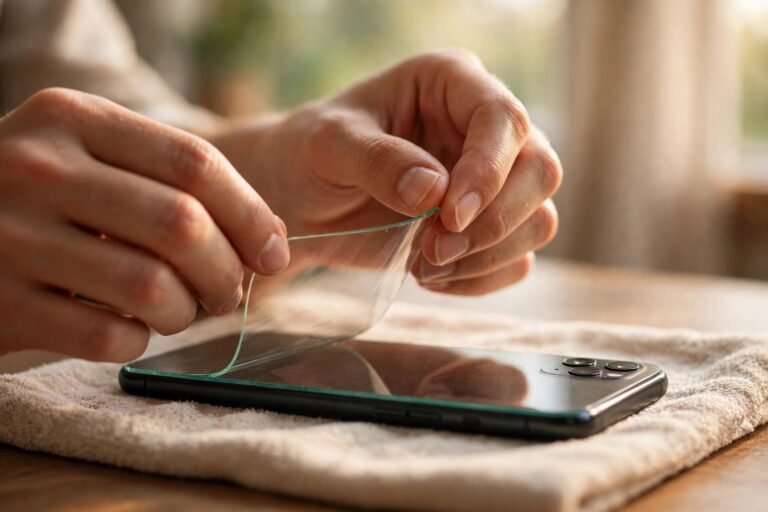
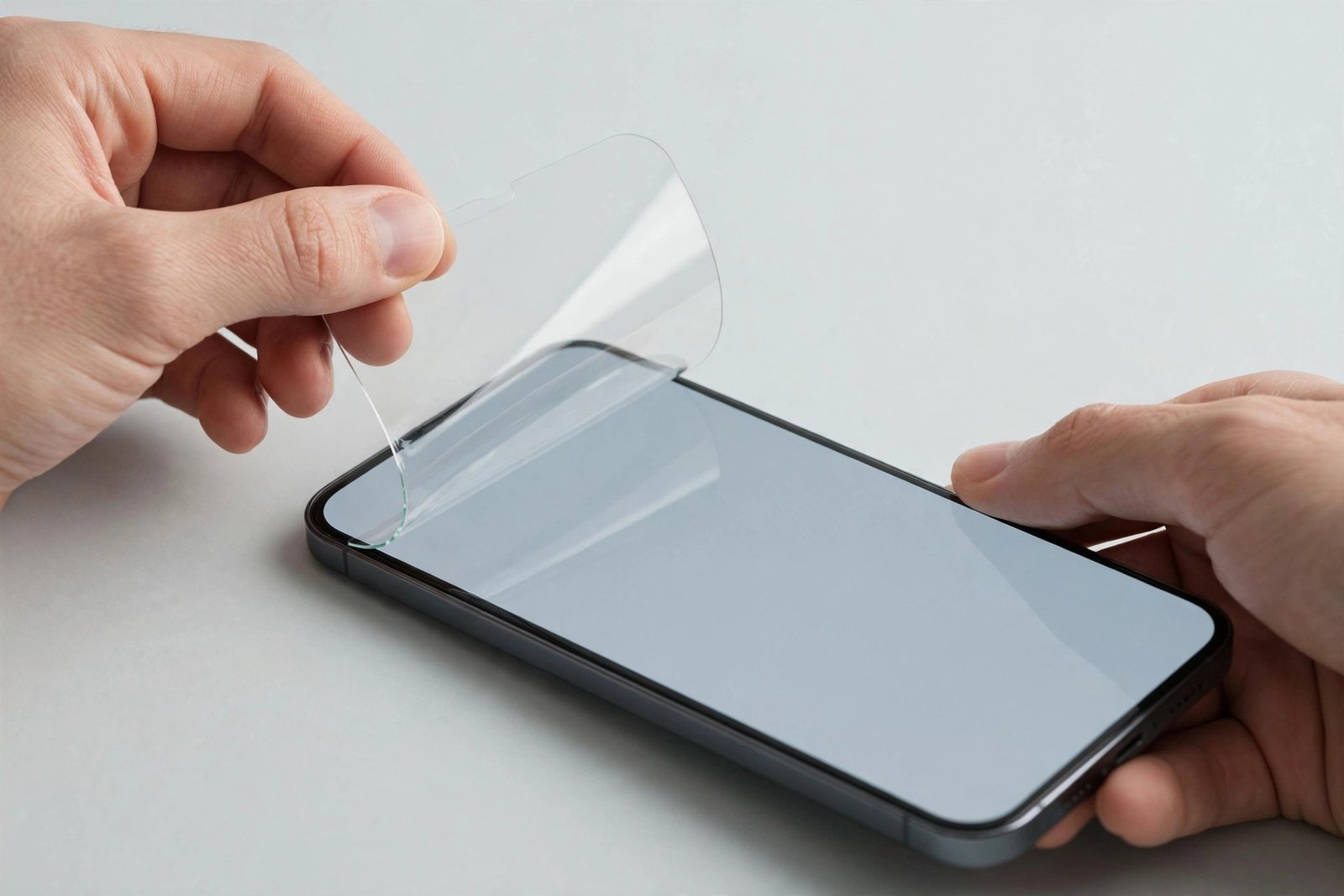
Technique matters more than anything. Start by warming the protector gently — a few minutes of normal phone use, or holding it in warm hands, softens the adhesive slightly and makes the whole job easier. Then slide a fingernail, a plastic pick, or a piece of tape under one corner. Once the corner lifts, work your way along the edge slowly, peeling at a low angle so the protector bends gradually rather than snapping.
Two things to avoid: speed and metal. Ripping a protector off quickly can flex the glass sharply and crack the protector itself mid-removal, leaving you with awkward fragments. And never lever with a knife, screwdriver, or metal pry tool — one slip and you have put a real scratch in the very display you were trying to protect. Plastic cards, guitar picks, and tape are all the tools you ever need.
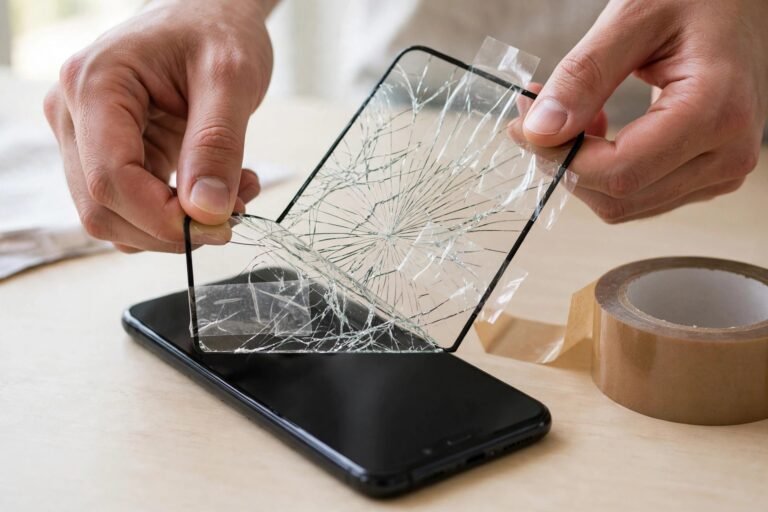
- If a corner refuses to lift, stick a piece of strong tape to the protector’s surface near the edge and pull up on the tape. It gives you grip without digging anything under the glass — the safest way to start a stubborn removal.
Adhesive Residue: Annoying, Not Damage
After removal, you may find the screen looks smudgy, or there are cloudy patches and sticky-feeling areas where the adhesive parted unevenly. This is residue, not damage — a thin film of adhesive left behind, particularly common with older protectors and cheap ones with aggressive glue.
It cleans off straightforwardly. Buff the screen with a dry microfibre cloth first; most residue lifts with a little patience. For stubborn patches, dampen the cloth with a small amount of isopropyl alcohol (the same stuff in screen-cleaning kits) and wipe gently. Avoid household solvents, and never scrape at residue with anything hard — the cloth and alcohol will win eventually. Once clean, the display should look and feel exactly as it did before the protector went on.
The Oleophobic Coating Myth
A persistent claim online says that peeling off a protector tears away the display’s oleophobic coating — the fingerprint-resistant layer applied at the factory. This is essentially a myth. The coating is chemically bonded to the display glass during manufacturing; screen protector adhesive is formulated to release cleanly and is nowhere near strong enough to strip a bonded coating from the surface beneath it.
What actually happens is subtler: oleophobic coatings wear away naturally over time through everyday friction, cleaning, and alcohol-based sanitisers. If your screen feels less slick after a protector comes off, the coating was already worn — the protector was masking the change, not causing it. The removal simply revealed the display as it now is.
When Removal Really Can Cause Harm
There are two genuine exceptions. The first is a cracked tempered glass protector. When you peel fractured glass, the adhesive can pull loose shards with it, and fragments may scatter or drag across the display. The fix is simple: before removing a cracked protector, cover its entire surface with clear packing tape. The tape holds every shard in place so the whole thing comes away as one sheet, safely.
The second exception is more serious: factory-fitted films on folding phones. On devices like Samsung’s Galaxy Z Fold and Z Flip ranges, the pre-installed film on the inner display is a structural part of the screen assembly, and the manufacturer explicitly warns against removing it — peeling it can destroy the flexible display underneath. The same caution applies to any protector a manufacturer describes as non-removable. If your phone came with a film already fitted and the manual says leave it alone, believe the manual.
- Removing a protector to fit a new one? Do the whole job in one session in a steamy bathroom: old protector off, screen cleaned with the wet wipe and sticker from the new pack, new protector on. The longer a bare screen sits around, the more dust it collects before its replacement goes on.
Frequently Asked Questions
Can removing a screen protector pull the actual screen off?
On a healthy phone, no — the display is bonded into the frame far more strongly than any protector adhesive. The only scenario where lifting occurs is a display that is already damaged or delaminating (for example, after a previous poor-quality repair). If the screen itself starts to lift as you peel, stop and take the phone to a repair shop.
Why does my screen look cloudy after removing the protector?
That cloudiness is adhesive residue and trapped oils, not damage. Clean the screen with a microfibre cloth, using a little isopropyl alcohol for stubborn areas, and it should come up clear. If cloudiness persists after a thorough clean, it may be wear in the oleophobic coating that the protector had been hiding.
Is it safe to remove a protector from a cracked screen?
Take extra care. If the display glass itself is cracked (not just the protector), peeling can lift loose fragments of the display glass. Cover everything with packing tape first, peel very slowly, and consider letting a repair technician do it as part of the screen replacement — they handle this routinely.
Screen protectors are designed to be temporary — fitting one is never a life sentence for your phone. Peel slowly, use plastic not metal, tape over cracks, and never touch a folding phone’s factory film: that is the whole art of safe removal.