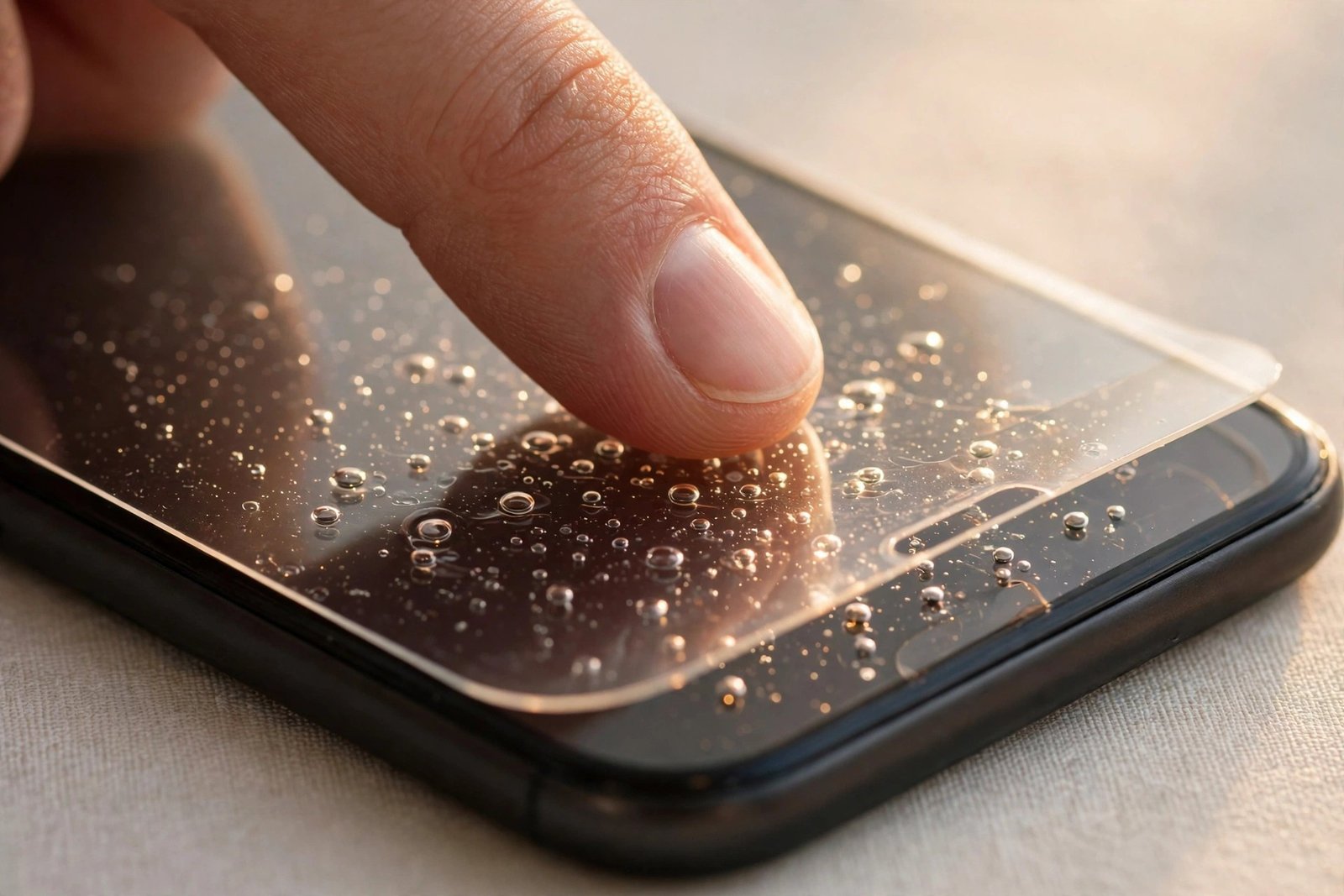
You have just fitted a new screen protector, and instead of one big dramatic bubble you have dozens of tiny ones — a faint sparkle of pinpoints scattered under the glass, visible whenever the screen catches the light. It looks like a disaster. In almost every case, it is the opposite: small bubbles are the most benign fault a fresh install can have, and most of them are already on their way out.
This guide explains why micro bubbles behave differently from big ones — why they usually vanish on their own within 24 to 48 hours, how to finish off the stubborn remainder with a fingertip, and how to spot the one situation where a small bubble is not air at all, but dust asking for a different fix.
Key Takeaways
- Most small, clean bubbles disappear by themselves within 24–48 hours as the adhesive continues to flow and settle.
- Small bubbles vanish because their air has only a short distance to migrate and the adhesive can absorb tiny pockets as it wets out.
- Resist working on a fresh install immediately — give it a day, then fix only what is actually left.
- The finishing tool for leftovers is a warm fingertip in small circles, not a card — micro bubbles respond to gentle, local pressure.
- A cluster of pinpoints that never changes, each with a dark centre, is dust, not air — and needs the lift-and-dab fix instead.
Why Small Bubbles Disappear on Their Own
A screen protector’s adhesive does not stop moving when the glass lands. For the first day or two it keeps flowing at a microscopic level, spreading into full contact with the screen — a process installers call wetting out. A large pocket of air is too much for this slow flow to absorb, which is why big bubbles need the card. A tiny pocket, though, sits within reach of the adhesive creeping in from all sides.
As the adhesive closes in, the air in a micro bubble has a very short distance to migrate before it reaches a route out, and the smallest pockets are effectively absorbed as contact completes around them. Warmth accelerates everything: a phone used normally through a day — warmed by your hands, your pocket, and its own processor — settles noticeably faster than one left in a cold drawer.
Give It 24–48 Hours, Then Take Stock
The discipline here is simply to wait. Note — honestly — how the screen looks right after fitting, then use the phone normally for a day. When you check again with the screen off under a lamp, you will typically find that most of the sparkle has gone, and what remains is a handful of identifiable bubbles in specific places rather than a general haze.
Waiting first is not laziness; it changes the job for the better. Carding a screen covered in micro bubbles mostly pushes them around, merging and splitting them without removing much air. Carding (or fingertipping) the few survivors after the adhesive has done its share is quick, targeted work. If the count is not falling at all after 48 hours, something else is going on — read the dust section below before reaching for any tool.
- Photograph the screen right after fitting, screen off, lamp at an angle. Comparing the photo a day later shows shrinkage your memory will swear never happened.
- Leave the phone somewhere room-warm overnight rather than in a cold hallway — adhesive flow is temperature-sensitive, and warmth is free assistance.
The Fingertip Finishing Technique
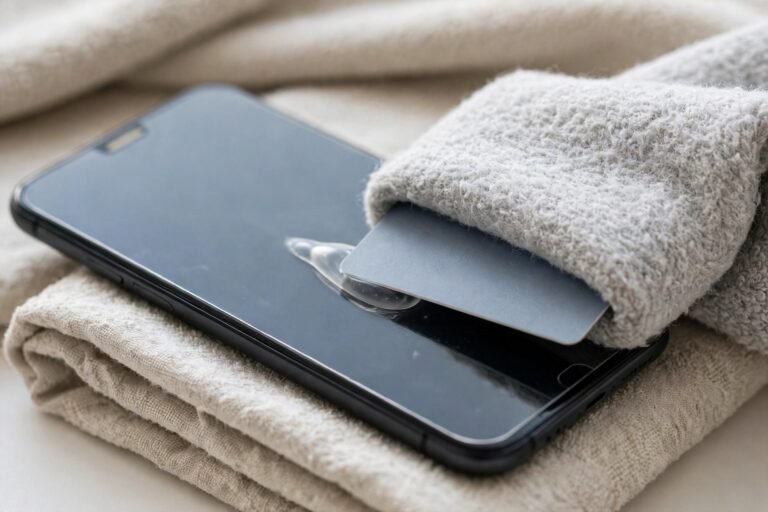
For the small bubbles still present after a day, a card is clumsy artillery. Use a fingertip instead — ideally through a microfibre cloth, or a clean bare fingertip if the protector is glass. Place your fingertip on the bubble and work in small, slow circles, gradually biasing the motion towards the nearest edge of the screen. The circular motion loosens the pocket; the bias walks it home.
Keep the pressure gentle and the pace slow. Micro bubbles sit close to the surface of the adhesive layer, and heavy pressure simply squashes them flat for a moment before they rebound. Two or three calm passes per bubble is the right dose; a bubble that shrinks with each pass is on its way out, even if it needs one more session tomorrow to finish.
When Small Bubbles Mean Dust Instead
There is one impostor to watch for. A tiny bubble wrapped around a speck of dust also looks small and round — but it never shrinks, because the speck holds the glass up physically. The tell is in the detail: tilt the phone under the lamp and look for a dark point at the exact centre of the bubble, with the glass tented neatly over it. A field of such pinpoints, unchanged after two days, is dust that landed during fitting.
Dust bubbles need the lift fix, not patience: stick tape to the nearest corner, lift just far enough to reach the speck, dab it away with a dust-removal sticker, and lower the glass again, smoothing from the lift point outwards. If the specks are numerous and scattered across the whole screen, be honest — a fresh protector fitted slowly in a steamy bathroom will beat a dozen surgical lifts, every time.
- A single pinpoint that glints when the light moves is usually dust; a bubble that merely shimmers and shifts shape is air. Watch how each behaves as you tilt, not just how it looks.
- Fitting the next protector in a steamy bathroom after a shower prevents the dust version of this problem almost entirely — damp air pulls specks out of the air before they can land.
Frequently Asked Questions
How small counts as a “small bubble”?
Roughly, anything up to two or three millimetres across — pinhead to sesame-seed size — behaves like a micro bubble and can be left for the adhesive to absorb. Larger pockets, say five millimetres and up, hold too much air for settling to clear reliably; those deserve the card treatment straight away rather than a hopeful wait.
It has been three days and the small bubbles are still there. Now what?
First, diagnose rather than push: check each remaining bubble for a dark centre under a lamp. If they are dust, use the lift-and-dab method. If they are clean air that simply refuses to leave — uncommon, but it happens with stiffer adhesives — work them out with a cloth-wrapped card in slow strokes to the nearest edge, exactly as you would a larger bubble.
Can I speed up the vanishing with heat?
Gentle warmth, yes — normal handling, a warm room, and regular use all help the adhesive flow. Deliberate heat, no: never park the phone on a radiator or aim a hot hairdryer at it to “cure” the bubbles. Excess heat risks the adhesive, the screen, and the battery, and buys you nothing that a day of patience would not have delivered for free.
Small bubbles are the screen protector equivalent of a watched pot — ignore them for a day and most quietly resolve themselves. Save your effort for the few that remain, and for the rare pinpoint that turns out to be dust in disguise.