Removing a screen protector from an iPhone sounds like the same job as on any other phone — until you meet the details. Modern iPhones wear edge-to-edge panes that cover the entire face of the phone, they live in cases with unusually tight lips, and the glass around the notch or Dynamic Island is cut into narrow bridges that don’t forgive careless levering. Do it the generic way and you’ll fight every one of those features.
Do it the iPhone way and it’s a five-minute job. The screen underneath is Ceramic Shield — tough glass, but with a fingerprint-resistant coating that metal tools can mark permanently. Everything below is built around that: case off first, corners before edges, low angles, plastic only.
Key Takeaways
- Remove the case before anything else — tight iPhone case lips grip the pane’s edges and will crack it or fight the lift.
- Start at a bottom corner, never near the notch or Dynamic Island, where the pane narrows to fragile bridges of glass.
- Lift low and slow — keep the pane at a shallow angle so it peels rather than bends and snaps.
- Use fingernails, tape and plastic cards only. The Ceramic Shield underneath is hard, but its oleophobic coating scratches easily with metal.
- Edge-to-edge panes have adhesive right out to the rim, so work around the perimeter gradually instead of pulling from one side.
- Finish with a proper clean — old adhesive residue around the earpiece and edges is common on iPhones and will show under the new pane.
Step 1: Case Off — Always
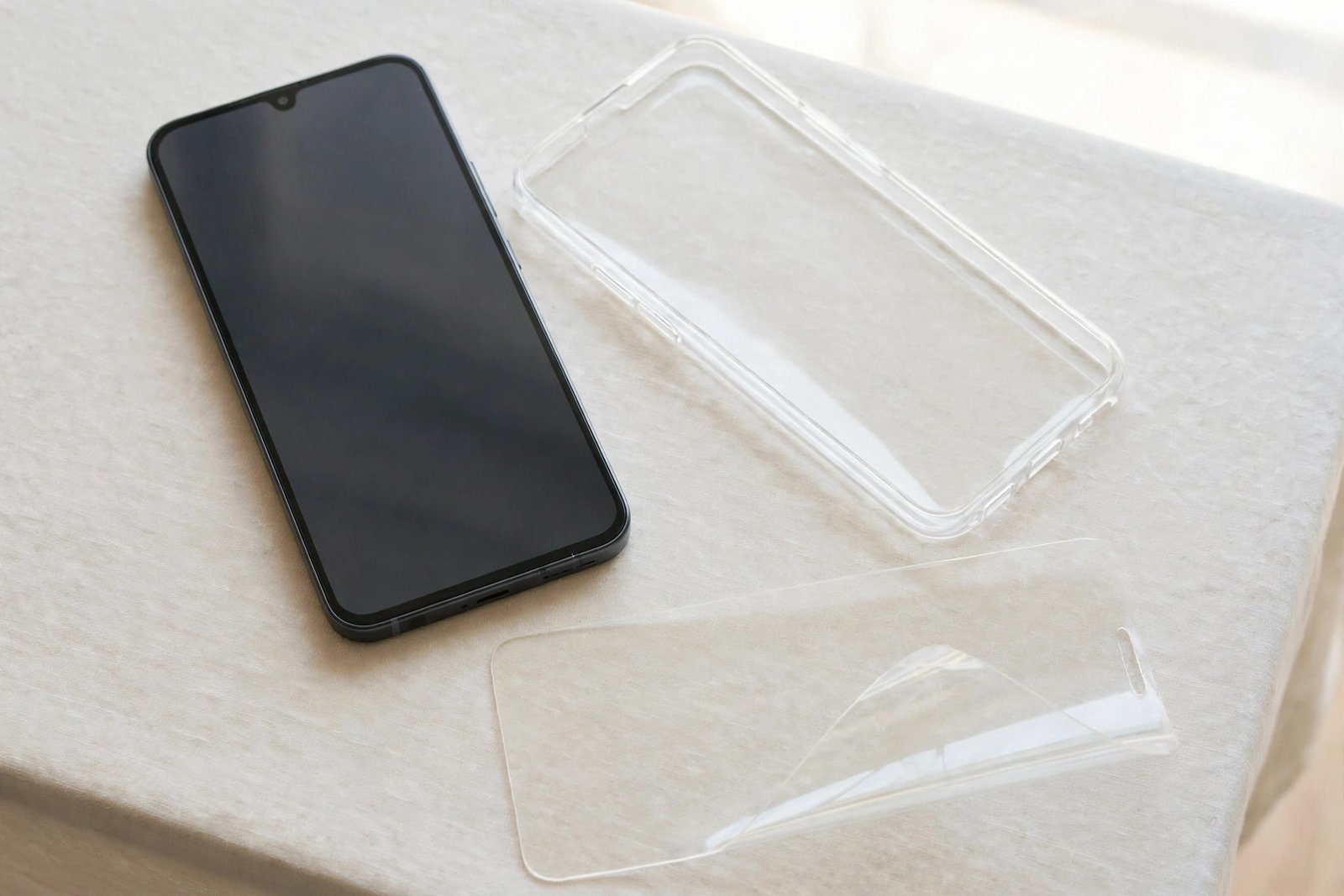
iPhone cases are designed with pronounced lips that wrap over the front of the phone to protect the screen in a fall. That lip also wraps over the edge of your screen protector. Try to lift a corner with the case still on and you’re prising against the case as much as the adhesive; worse, a tight lip can catch a lifting pane and crack it. Pop the case off first — it’s ten seconds that makes everything afterwards easier. While it’s off, wipe the grime that collects around the case line, because that grit is exactly what you don’t want near exposed adhesive later.
Step 2: Choose Your Corner — and Avoid the Top
On a full-face iPhone pane, the top edge is the worst place to start. Whether your phone has the older notch or a Dynamic Island, the glass up there is cut into narrow strips around the cut-outs, and the earpiece slit leaves another thin bridge. Levering at those points concentrates force on the weakest glass on the phone. Instead, test the two bottom corners with a clean fingernail slid flat into the seam. One of them will give a fraction of a millimetre — that’s your start. If neither moves, warm the screen gently for a few minutes by using the phone, or hold it in warm hands, and test again.
- Stick a piece of strong tape to the starting corner as a pull tab. It gives you grip to lift slowly and evenly without your fingernail slipping off the seam.
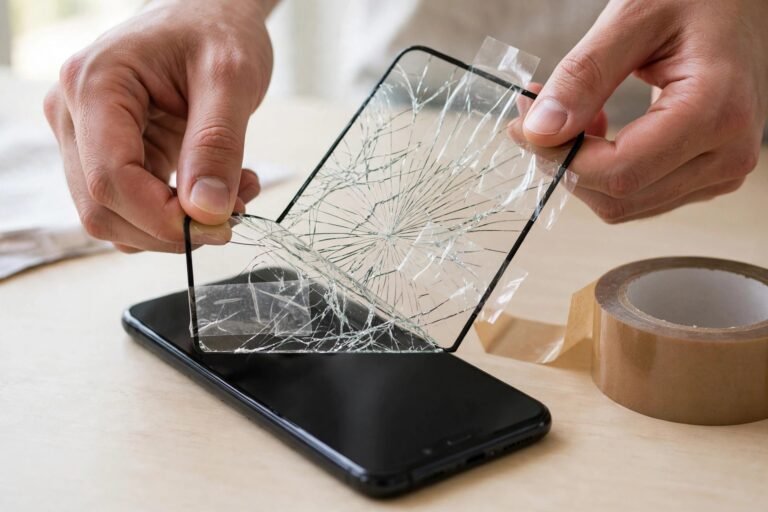
- If the pane is cracked, cover the whole face with packing tape first — iPhone panes cover the full face, so a cracked one can shed fragments across a wide area as it lifts.
Step 3: Lift Low, Peel Around the Perimeter
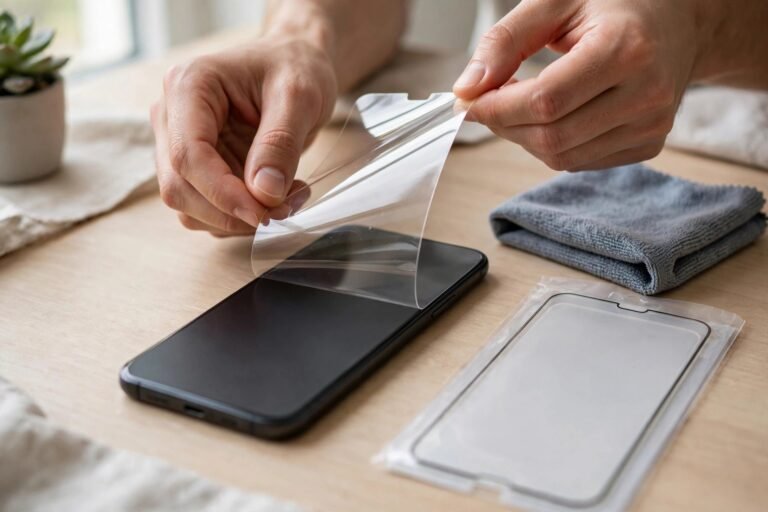
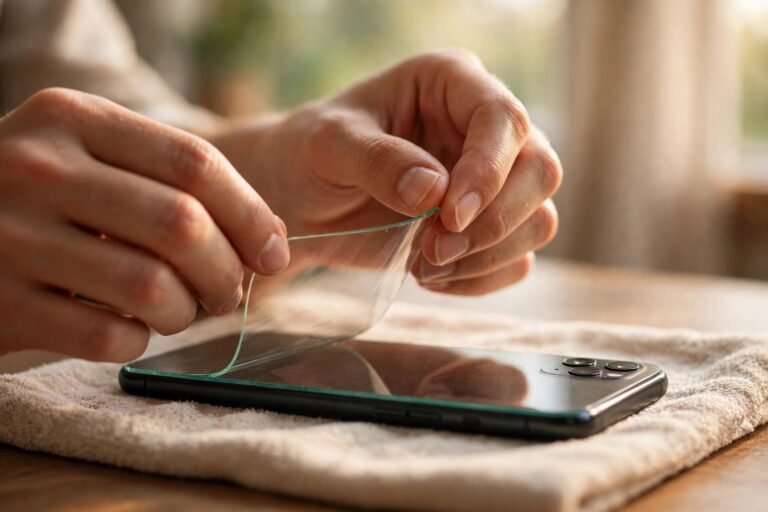
Once the corner is up, keep the pane at a low angle — almost parallel to the screen — and peel slowly. A low angle makes the adhesive release progressively along a line; a high angle bends the glass, and bent tempered glass snaps. Because full-face panes are bonded right out to the rim, free the perimeter gradually: ease along the bottom edge, then up each side, letting the middle release last. Slide a plastic card into the freed gap to hold your progress, and work the card along rather than forcing the pane with your fingers.
If resistance suddenly increases, stop and warm that section rather than pulling harder — a patch of stubborn adhesive near the earpiece is common, because heat and pressure from calls have worked on it for months. A few seconds of warmth and a dental-floss saw through the stubborn patch will free it without any levering near the sensors.
Step 4: Clean the Ceramic Shield Properly
With the pane off, expect a frame of adhesive residue around the edges and a stubborn ring around the earpiece. Roll the worst of it away with a microfibre cloth and the warmth of your hand, then use a cloth barely dampened with isopropyl alcohol for the remainder. Be gentle around the earpiece mesh and the sensor windows at the top — no liquid pooling, no poking. Check the screen at a low angle under a light: Ceramic Shield should look uniformly glossy, with no dull islands of leftover adhesive, before any replacement pane goes near it.
- Take the opportunity to clean the case’s inner lip before it goes back on — the grit trapped there is a common cause of new panes lifting at the corners within a week.
- Refit the case only after the new protector has had fifteen minutes to settle, so the tight lip doesn’t shift a fresh pane.
Frequently Asked Questions
Will removing the protector affect Face ID?
No — the Face ID sensors sit in the phone itself, behind the cut-outs in the pane, and removing the protector doesn’t touch them. Just keep tools and liquid away from the sensor area while you work, and wipe the sensor windows clean afterwards so nothing smears the view.
The pane cracked while I was lifting it. What should I do?
Stop, lay the phone flat, and cover the entire face with packing tape, pressing it into the cracks. Then continue lifting low and slow — the pane will come away as one taped sheet. Afterwards, wipe the screen and your work surface with a damp cloth to collect any micro-fragments.
Why won’t any corner lift on my iPhone?
Full-face panes have a lot of bonded area, and a well-fitted one can feel seamless. Warm the phone gently, then work a fingernail flat into the seam at a bottom corner with patience rather than force. If it still won’t start, dental floss worked into the seam and drawn sideways usually creates the first gap.
Case off, bottom corner, low angle, plastic only — respect the iPhone’s full-face design and the pane comes away cleanly, leaving Ceramic Shield ready for its replacement.